

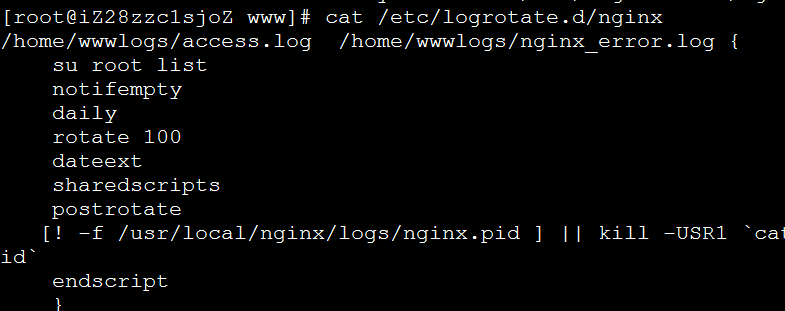
As its name suggests, logrotate is a dedicated tool for log rotation. Simply place your task configuration under /etc/logrotate.d/, and the job will run automatically. It requires no installation since it comes pre-installed with the system, making it a highly recommended choice.
# vi /etc/logrotate.d/nginx
Fill in the following information:
/home/wwwlogs/access.log /home/wwwlogs/nginx_error.log {su root listnotifemptydailyrotate 100dateextsharedscriptspostrotate[! -f /usr/local/nginx/logs/nginx.pid ] || kill -USR1 `cat /usr/local/nginx/logs/nginx.pid`endscript}
The configuration above splits two files: access.log and nginx_error.log. Of course, you need to adjust the log file paths and the nginx.pid path to match your actual setup.
Attachment Download:
https://www.cnop.net/uploadfile/2016/0715/20160715052404324.zip