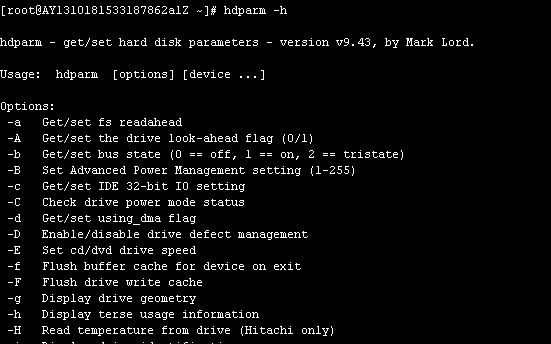
hdparm can detect, display, and configure parameters for IDE or SCSI hard drives. hdparm is a shell utility in Linux for viewing and modifying IDE drive parameters.。
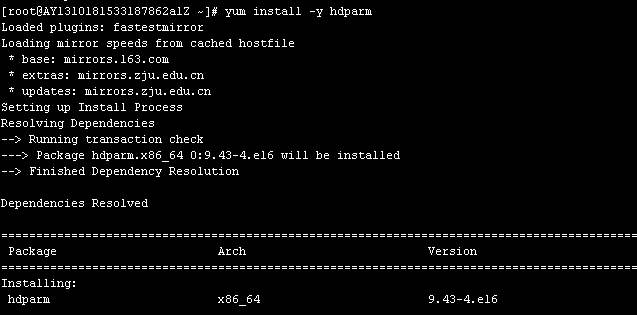
1. Install hdparm using the following command:
yum -y install hdparm
2. Run the test:
hdparm -tT /dev/xvdb1
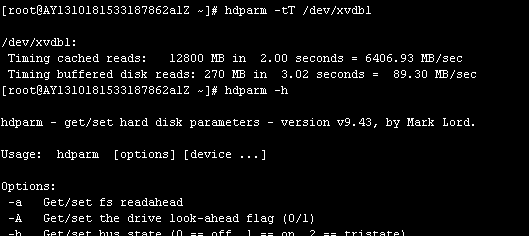
The example above uses the device name /dev/xvdb1 for testing. You can modify it according to your actual situation.
3. Common Commands:
Run
hdparm -h
to display common commands and functions, as shown in the screenshot below: