

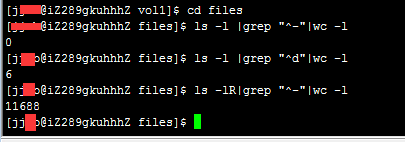
1. Count the number of files in the current directory
Code:
ls -l |grep "^-"|wc -l
2. Count the number of directories in the current directory
Code:
ls -l |grep "^d"|wc -l
3. Count the number of files in the current directory, including those in subdirectories
Code:
ls -lR|grep "^-"|wc -l
4. Count the number of directories in the current directory, including those in subdirectories
Code:
ls -lR|grep "^d"|wc -l