

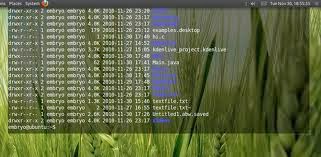
Tilda is a Quake-style terminal emulator that can be toggled with a hotkey—bringing it to the foreground when needed and hiding it when you don’t. It also supports background transparency, making it easy to see content underneath the terminal window.
sudo apt-get install tilda
2. Yakuake
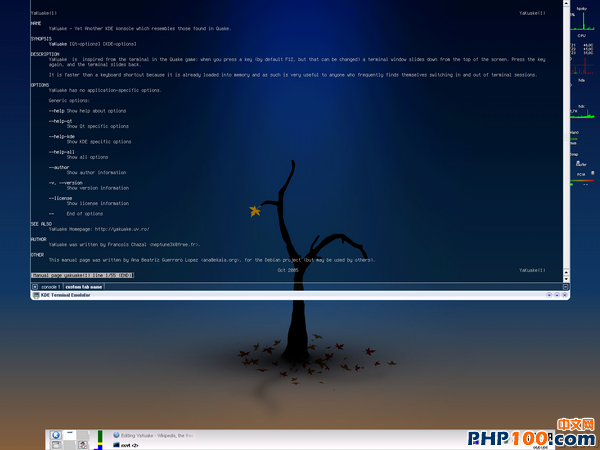
Yakuake (Yet Another Kuake) is a drop-down terminal emulator for KDE. Like Tilda, it can be shown or hidden with a single keyboard shortcut—extremely handy for those who frequently open and close terminal windows.
- sudo apt-get install yakuake
3. Guake
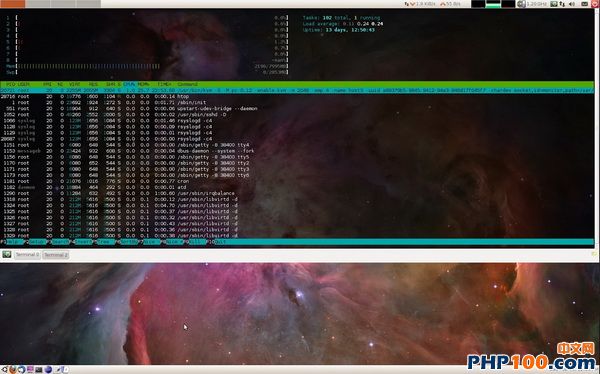
Similar to the previous two, Guake is also a drop-down terminal emulator. Press F12 to pull up the terminal window. You can tweak Guake’s preferences to suit your needs, such as the shell to use, window behavior, window size, tab position, font, color, background transparency, and more.
- sudo apt-get install guake
4. Stjerm
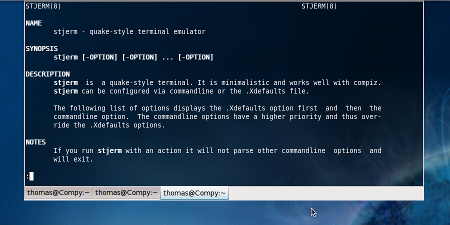
Stjerm is another drop-down terminal emulator, lighter-weight compared with Guake and Tilda.
- sudo apt-get install stjerm
5. Terminator
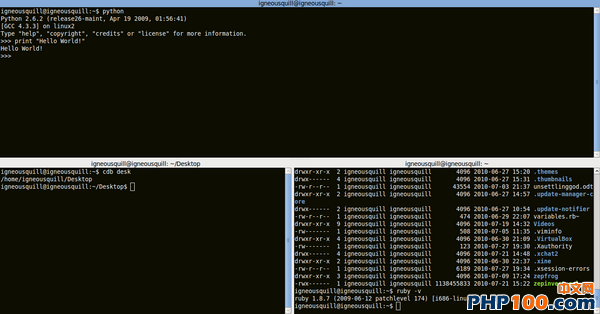
Terminator is built on GNOME terminal. Its standout feature is the ability to display multiple terminal panes within a single window.
- sudo apt-get install terminator
6. ROXTerm
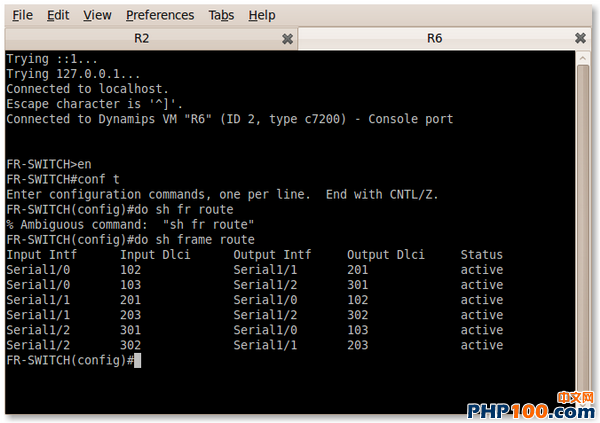
Originally intended as a replacement for GNOME terminal, ROXTerm has since gained a rich set of features, including the ability to drag and drop files directly into the terminal window.
- sudo apt-get install roxterm
7. Eterm
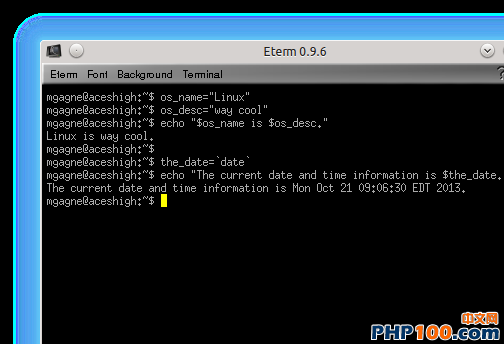
A very lightweight terminal emulator that can serve as an Xterm replacement; it features customizable themes and faster performance.
- sudo apt-get install eterm
8. Rxvt

An excellent terminal emulator for the X Window System, also a viable substitute for the Xterm terminal.
- sudo apt-get install rxvt
9. Aterm
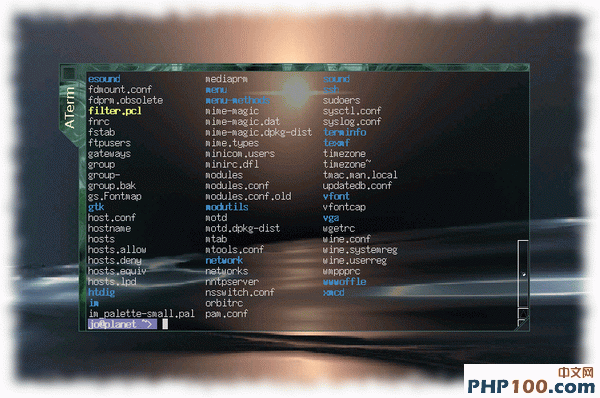
A terminal emulator based on rxvt that provides essential terminal functionality and supports background transparency.
- sudo apt-get install aterm
10. Wterm
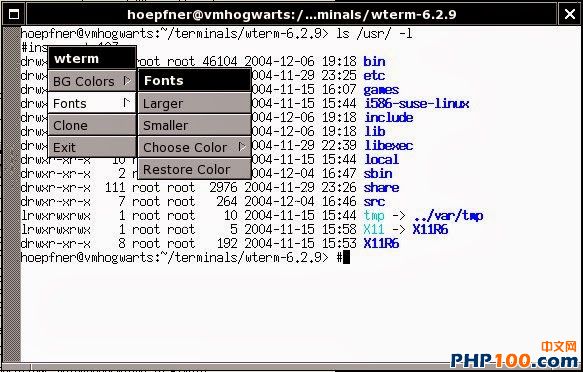
An rxvt-based terminal emulator: lightweight, and supports setting an image as the background as well as background transparency.
- sudo apt-get install wterm
11. TermKit
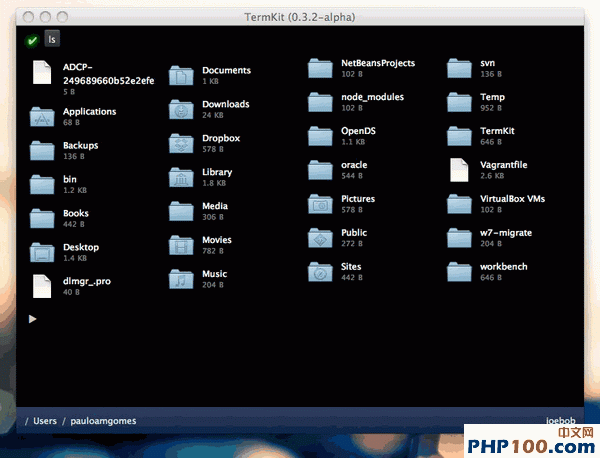
A terminal emulator built using WebKit that can display icons inside the terminal—quite different from the terminals we typically use.
- sudo apt-get install termkit
12. Terminology
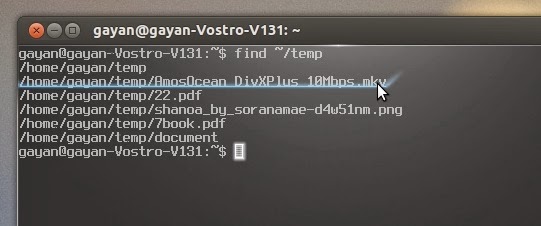
Inside Terminology, you can preview images, play videos—there’s almost nothing it can’t do.
Unless otherwise stated, all PHP100 news articles are original or contributed reports. Please credit the author and include the original link when republishing.
Original address: http://www.php100.com/html/it/mobile/2014/0123/6513.html