

Steps
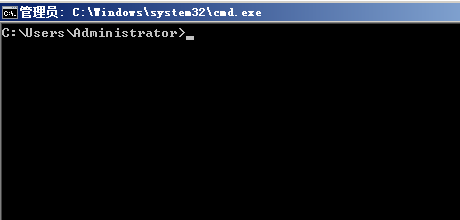
1. Start —-> Run —-> cmd, or press the Windows+R key combination to bring up the command window
2. Enter the command: netstat -ano to list all port statuses. In the list, locate the occupied port, for example, 49157, and find it first.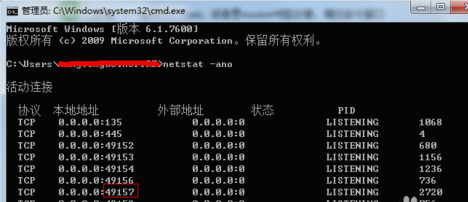
To view the PID corresponding to the occupied port, enter the command: netstat -aon|findstr "49157", press Enter, and note the last number, which is the PID, here it is 2720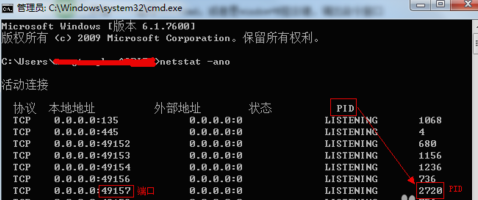
3. Continue by entering tasklist|findstr "2720", press Enter, to see which process or program is occupying port 2720. The result is: svchost.exe
You can simply end it.