

Bacula is an open-source network backup solution that allows you to back up or restore data on local or remote computer groups. It is easy to configure and install, and supports many advanced storage management features.
In this tutorial, let’s learn how to install and configure Bacula on an Ubuntu 14.04 server. My machine’s IP is 192.168.1.250/24, and the hostname is server.unixmen.local. Now let’s dive into the tutorial.
Installing Bacula
Bacula uses an SQL database to manage its information. We can use either MySQL or PostgreSQL. In this tutorial, I will use MySQL.
Enter the following command to install MySQL server.
- sudo apt–get update
- sudo apt–get upgrade
- sudo apt–get install mysql–server
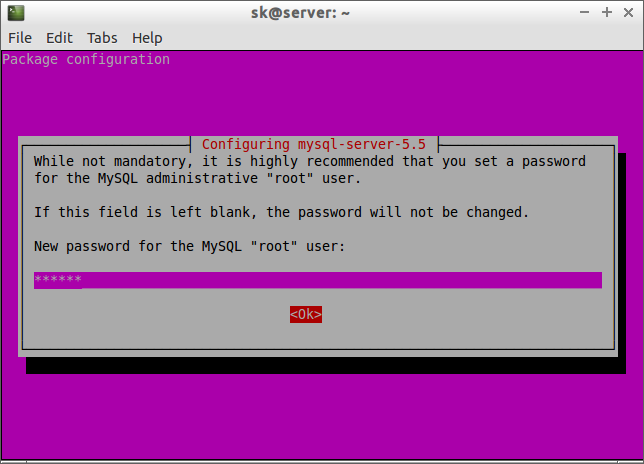
During the MySQL installation, you may be prompted to enter the database administrator password. Enter the password and press OK.
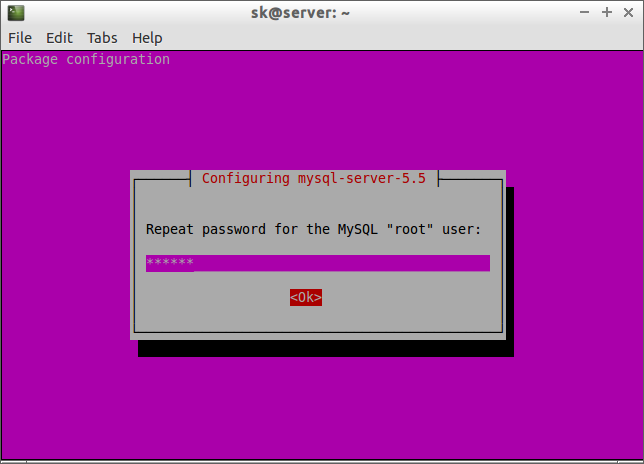
Re-enter the password:
Now install Bacula using the following command:
- sudo apt–get install bacula–server bacula–client
Bacula uses Postfix MTA by default. During installation, you will be asked to configure Postfix.
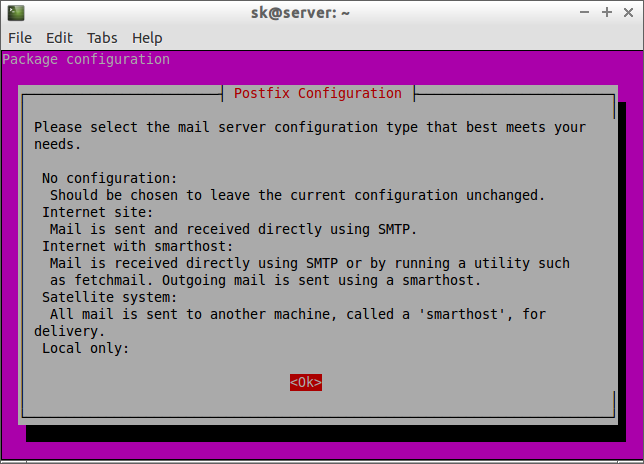
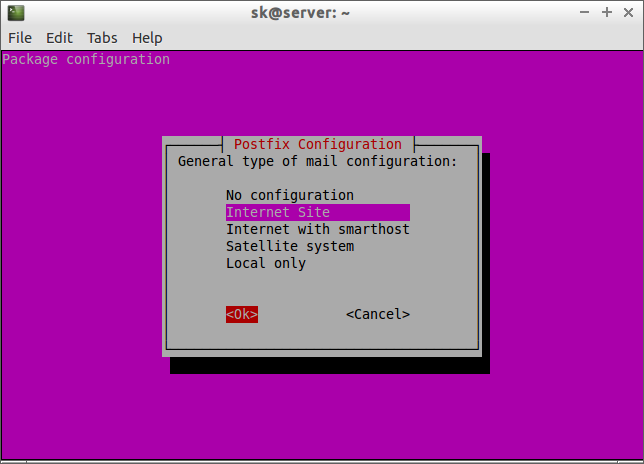
Select Internet Site and click OK.
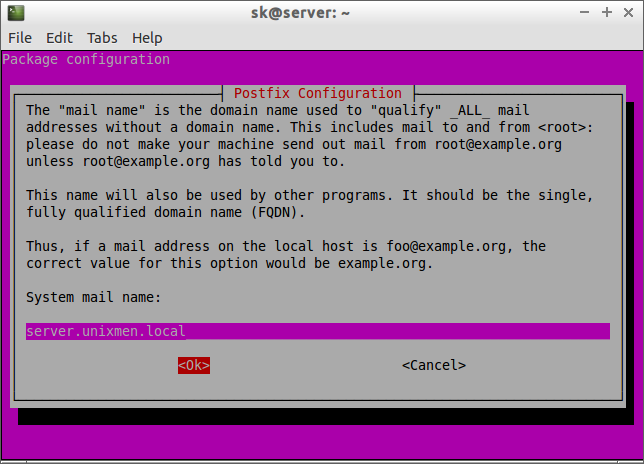
Enter the server’s fully qualified domain name (FQDN):
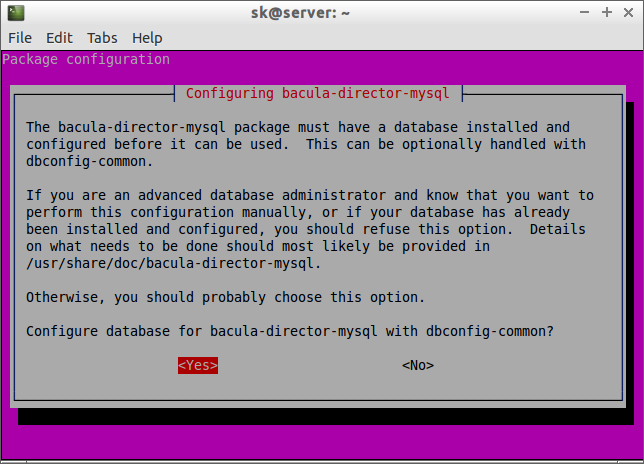
Now enter yes to configure the Bacula database with dbconfig-common.
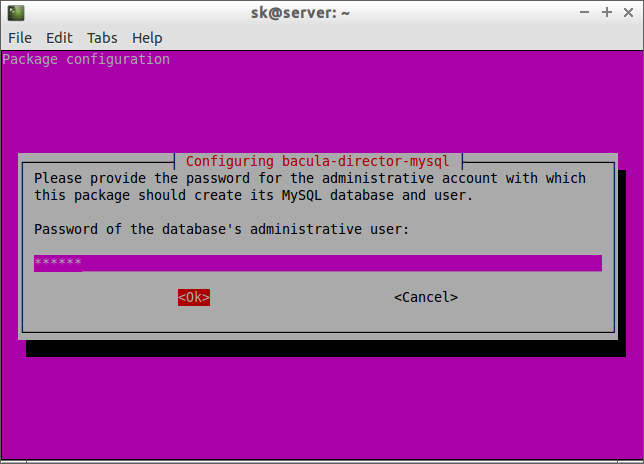
Enter the MySQL database administrator password:
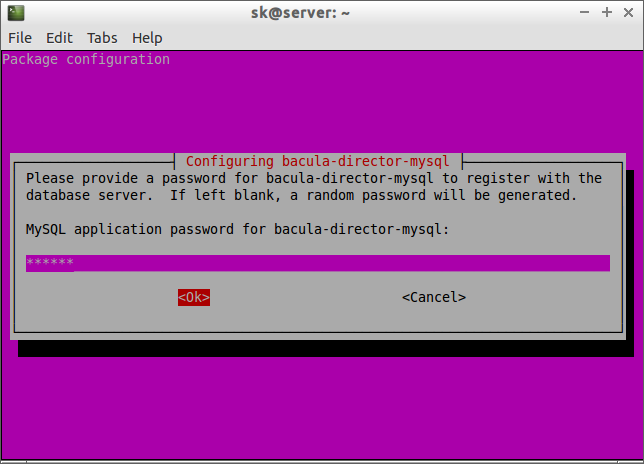
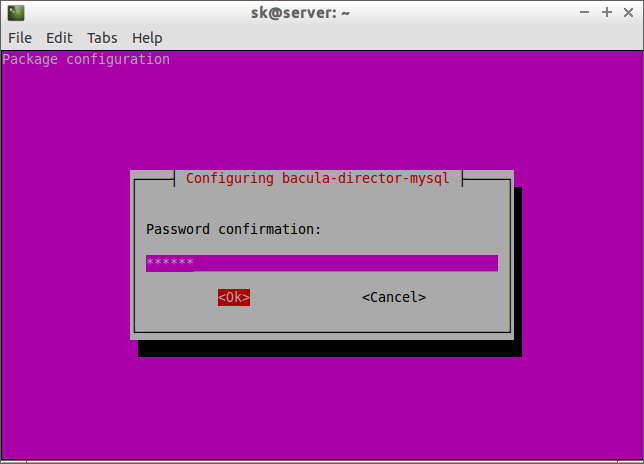
Set the password for the database’s bacula-director-mysql user. If left blank, a random password will be generated.
Re-enter the password:
Creating Backup and Restore Directories
Now, let’s create the backup and restore directories.
- sudo mkdir –p /mybackup/backup /mybackup/restore
Set the permissions and ownership for the above directories:
- sudo chown –R bacula:bacula /mybackup/
- sudo chown –R 700 /mybackup/