

BandwagonHost High CPU Usage Fix:This is caused by a CPU process running for an extended period, consuming the CPU. In this case, simply terminate the corresponding process.
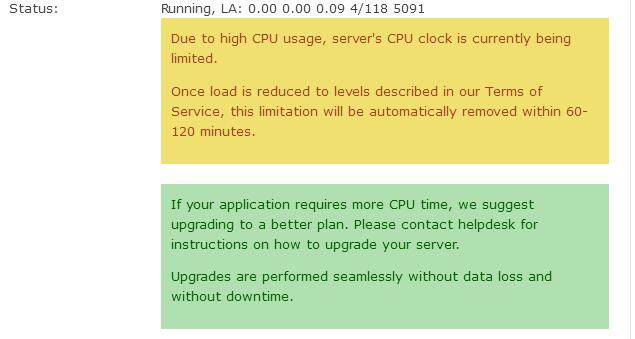
Due to high CPU usage, server's CPU clock is currently being limited.
Once load is reduced to levels described in our Terms of Service, this limitation will be automatically removed within 60-120 minutes.
How to restart? On the KiwiVM panel homepage, first click “kill”, then wait until the VPS status changes to “stopped”, and then click “start” to complete the restart.
(Some might ask, why not click “stop”? Because in practice, some machines cannot be stopped and can only be killed directly. “stop” is like clicking shutdown on a computer, while “kill” is like pulling the power plug—more thorough.)
After the restart, it should be usable, but the warning on the panel will take a few hours to disappear automatically.
For safety, it is also recommended to change the root password after restarting.