

FFmpeg is an excellent open-source program for converting digital audio and video, and for streaming them. Let’s take a look at how to convert MP4 files into the M3U8 format.
After conversion, you will have an M3U8 index file and multiple segmented TS files. This allows streaming media players to load in segments, improving cache loading speed and saving server bandwidth.
The format is as follows:
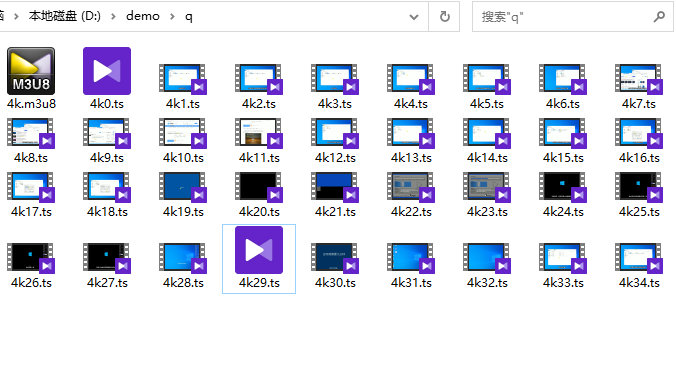
Conversion command, cutting into TS files of 600 seconds each:
ffmpeg -i C:/q.mp4 -profile:v baseline -level 3.0 -start_number 0 -hls_time 600 -hls_list_size 0 -f hls c:/demo/demo.m3u8
The default is roughly one TS file per 10 seconds:
ffmpeg -i C:/23.mp4 -profile:v baseline -level 3.0 -start_number 0 -hls_list_size 0 -f hls d:/demo/23.m3u8