If your system has multiple PHP versions installed, you may sometimes encounter an error when running Composer indicating that the PHP version is too low:
composer require workerman/workerman # Here we use installing workerman as an example
The command above is executed directly, using the system’s default PHP version. Below we will look at how to specify a particular PHP version:
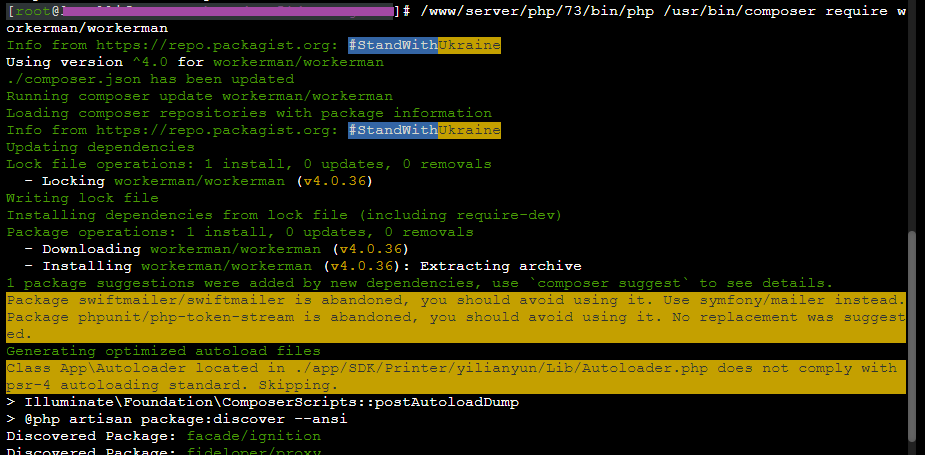
/www/server/php/73/bin/php /usr/bin/composer require workerman/workerman
You simply need to prepend the path to the desired PHP version and the full installation path of Composer before the command, as shown in the image below: