

This article uses Orabbix 1.2.3 as an example to illustrate how to fix the issue of being unable to retrieve Oracle DB Size and DB Files Size.
While studying Orabbix, it was discovered that DB Size and DB Files Size could not be retrieved in Zabbix. The problem was traced to the configuration of the /opt/orabbix/conf/query.props file.
After extracting and installing the latest Orabbix 1.2.3 version, the default query.props file does not include checks for these two metrics. Therefore, you need to add them manually by inserting the configuration in two specific places within this file, as detailed below:
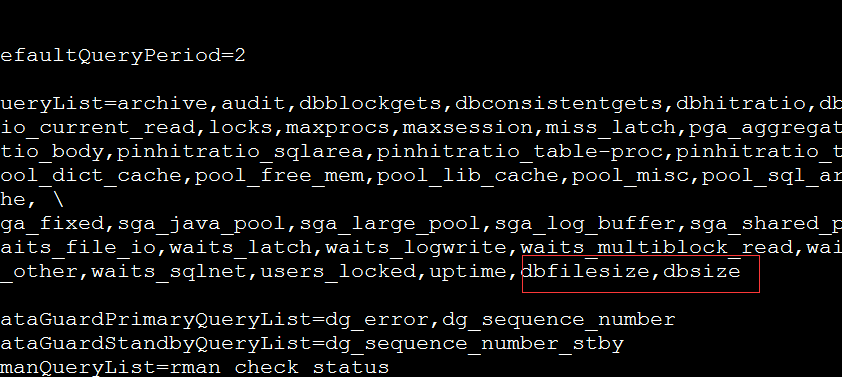
1. Append “,dbfilesize,dbsize” at the end of the “QueryList=” line. Note that these should be separated by commas.
vi /opt/orabbix/conf/query.props
Add ,dbfilesize,dbsize to the check items, as shown in the image below:
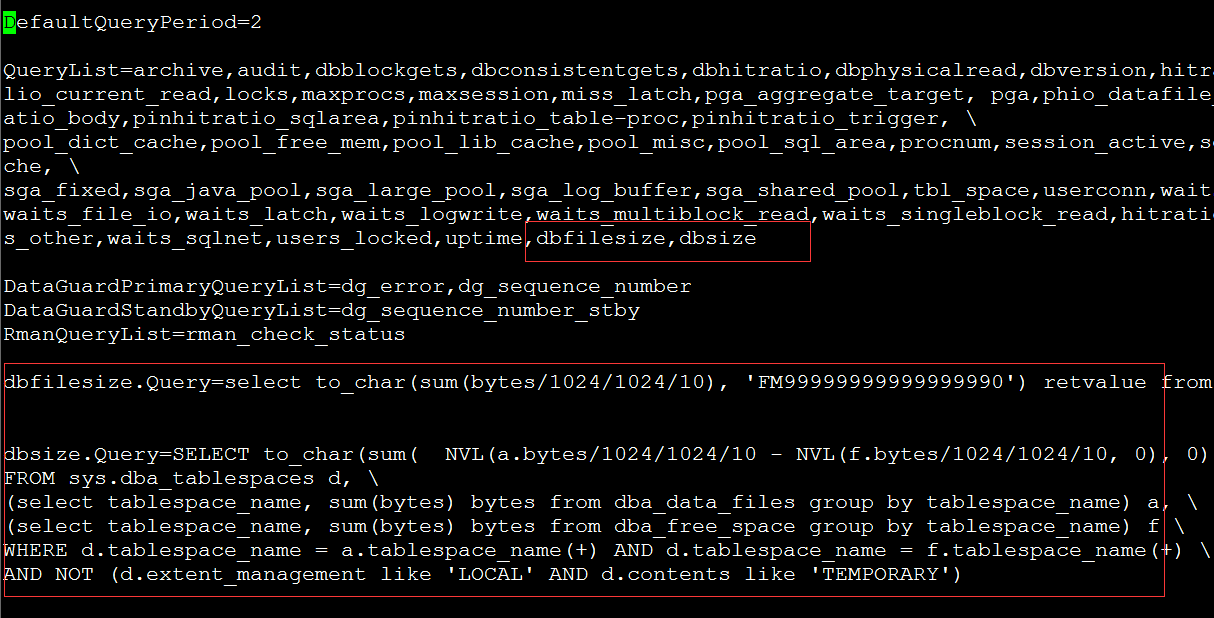
2. Additionally, add the query statements for dbfilesize and dbsize, as follows:
dbfilesize.Query=select to_char(sum(bytes/1024/1024/10), 'FM99999999999999990') retvalue from dba_data_files
dbsize.Query=SELECT to_char(sum( NVL(a.bytes/1024/1024/10 – NVL(f.bytes/1024/1024/10, 0), 0)), 'FM99999999999999990') retvalue /
FROM sys.dba_tablespaces d, /
(select tablespace_name, sum(bytes) bytes from dba_data_files group by tablespace_name) a, /
(select tablespace_name, sum(bytes) bytes from dba_free_space group by tablespace_name) f /
WHERE d.tablespace_name = a.tablespace_name(+) AND d.tablespace_name = f.tablespace_name(+) /
AND NOT (d.extent_management like 'LOCAL' AND d.contents like 'TEMPORARY')
As shown in the image below:
Save the file, and you are done.