

1. Switch to the Oracle Directory
#su – oracle
[oracle@localhost ~]$ sqlplus / as sysdba
SQL> @?/rdbms/admin/awrrpt
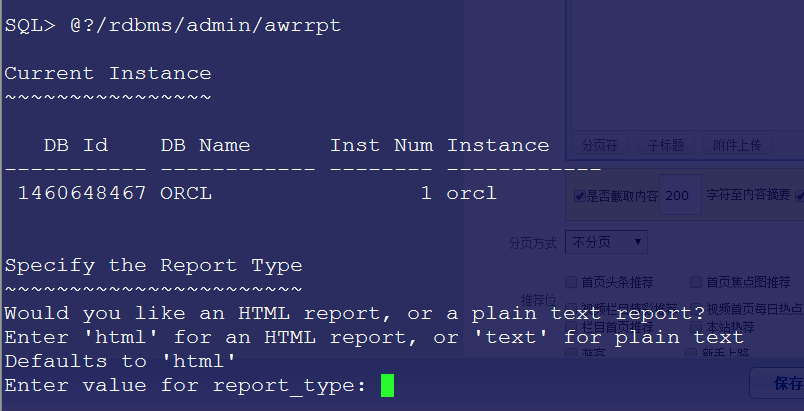
Here it asks for the output format, which defaults to HTML, so simply press Enter (as shown above).
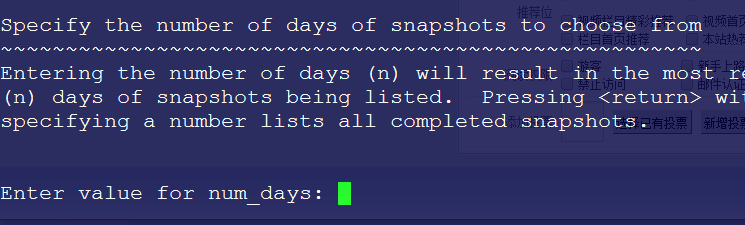
In the image above, directly enter: 1 , which generates a snapshot from the last few days.
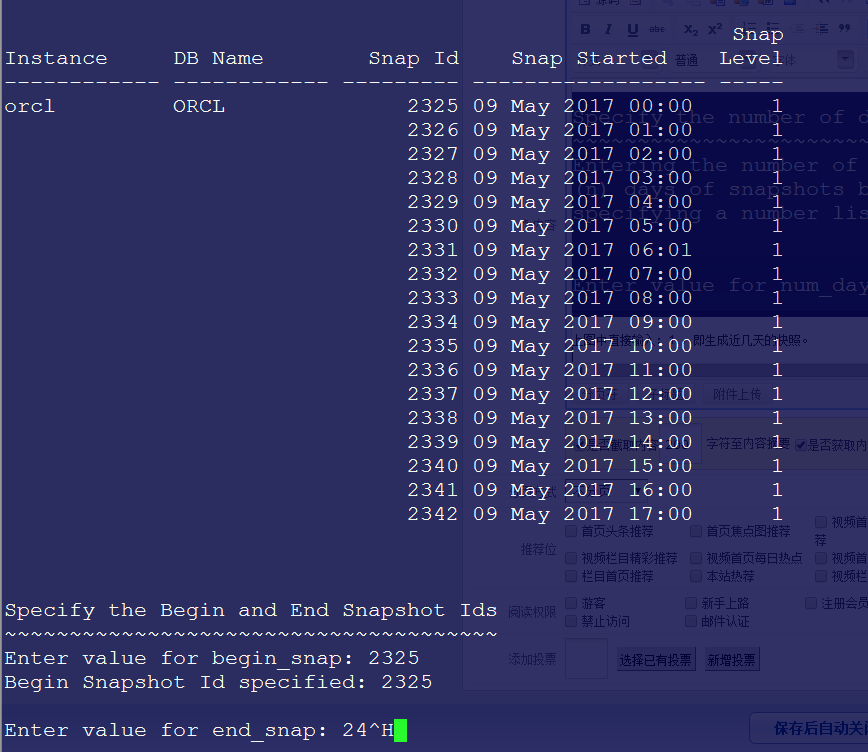
In the image above, enter the start and end IDs, which are 2325 and 2342 here. You can modify them based on your actual situation.
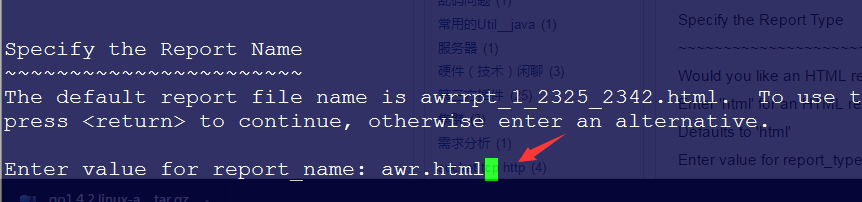
In the image above, enter a name. Here we enter awr.html ; you can modify the name. Press Enter again, and the relevant report will be generated in the current directory. Since we have switched to /home/oracle, you can go directly to that directory to view the report.
<<<