

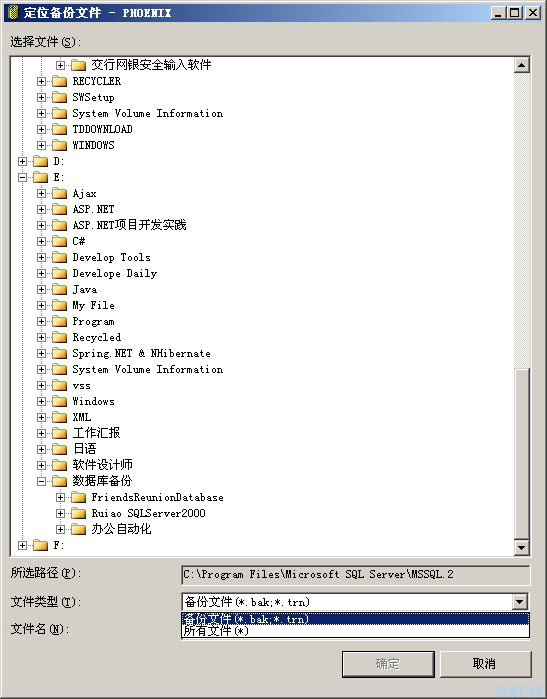
I used to stick with SQL Server 2000, but keeping up with the trends and project requirements specifying SQL Server 2005, I’ve started using it in my current project. With SQL Server 2005, there are a few things to watch out for. For instance, when restoring a database, it doesn’t differentiate between database and file as clearly as 2000 did; everything is treated uniformly as a file. This means the restored database file is specified as .bak. So if you want to restore a 2000 database (a backup database file with no extension), you’ll need to select it manually.
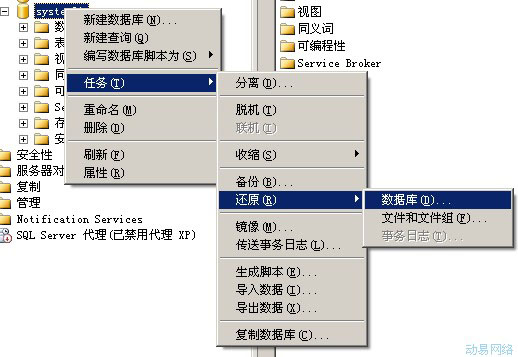
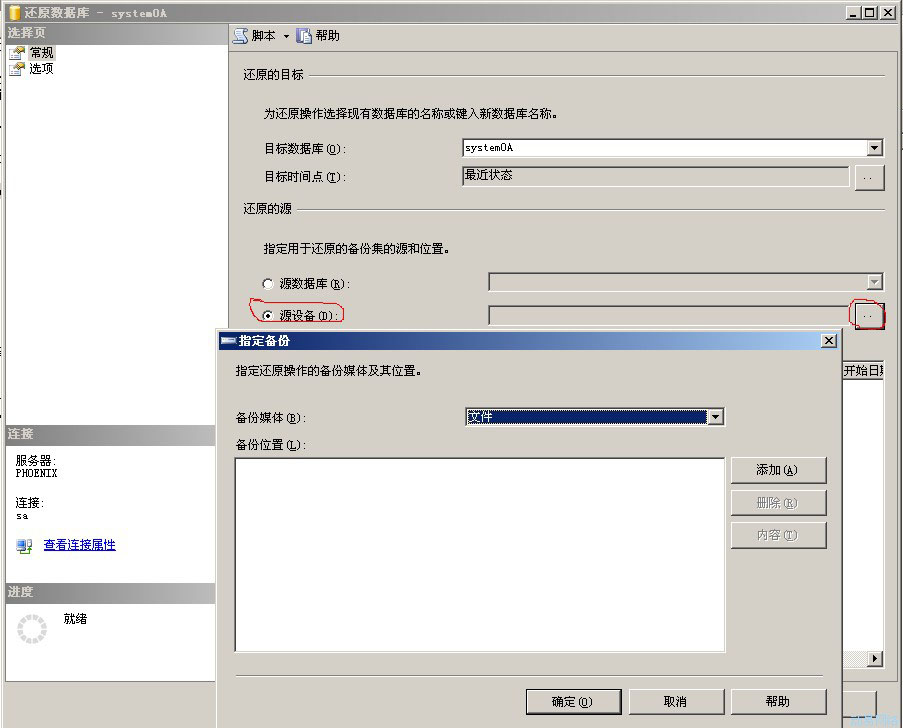
Choose “All Files” from the dropdown menu, and the “backup database file” will then be displayed. Select it and click OK.
The most crucial step is to select “Overwrite the existing database” under the “Options” tab, otherwise you’ll encounter the “backup set holds a backup of a database other than the existing” error.