

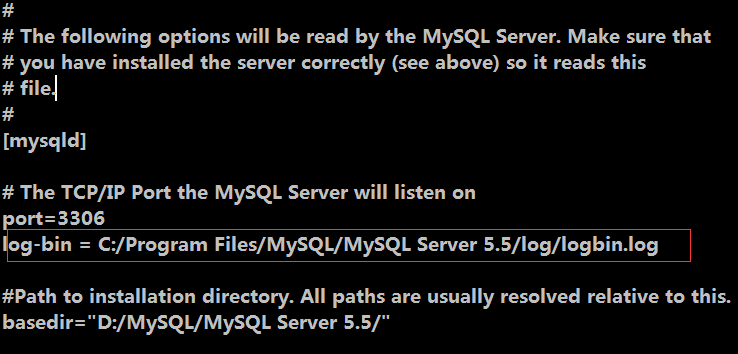
Modify my.ini and add a line log-bin="path". Below is an example using C:/Program Files/MySQL/MySQL Server 5.5/log:
1. Create a new folder named log in the corresponding directory
2. Locate the MySQL installation directory, open my.ini, and add the following under [mysqld]:
log-bin = C:/Program Files/MySQL/MySQL Server 5.5/log/logbin.log
3. Restart MySQL, and you will see the related files generated in the corresponding directory.