How to Reset MySQL Root Password by Modifying Config File with skip_grant_tables
Edit the configuration file:
vi /etc/my.cnf
Add the following under the [mysqld] section of the config file:
skip_grant_tables
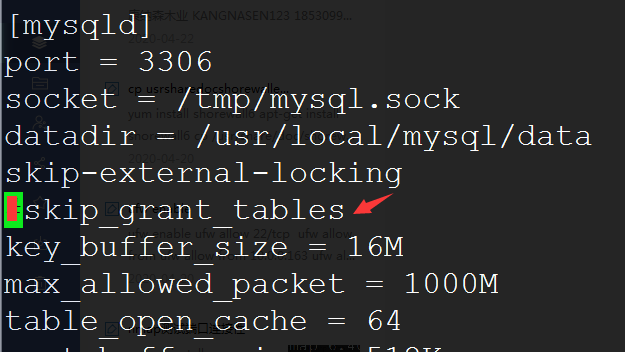
Restart MySQL:
service mysqld restart
Access Database Without Password and Set New Password
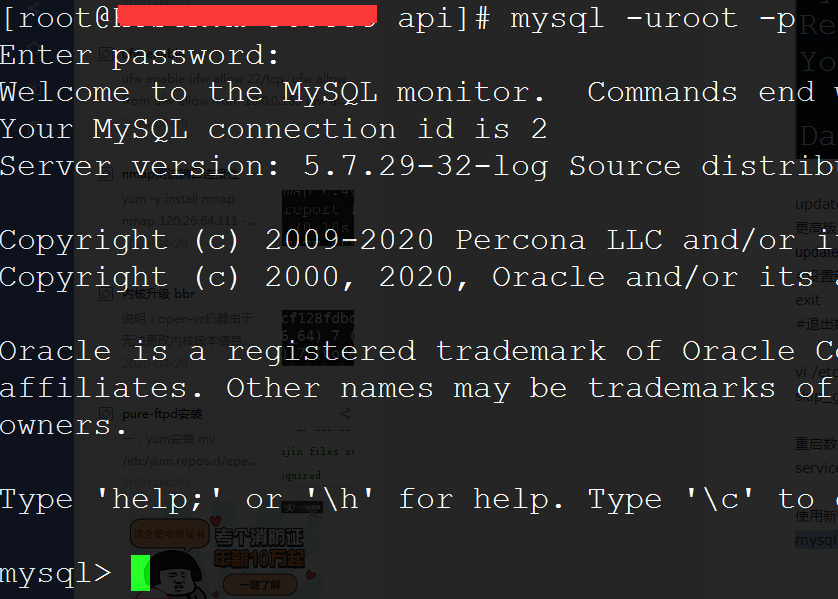
Log in without a password:
mysql -uroot -p
use mysql;
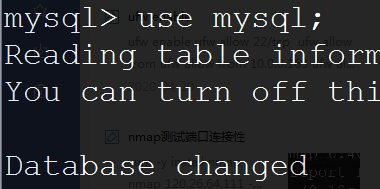
Set the new password:
update user set authentication_string = password('123456') where user='root';
For newer database versions, you can use the following command:
update user set password = password('123456') where user='root';
Exit MySQL:
exit
Remove skip_grant_tables and Restart Database
Re-edit my.cnf and remove the line you just added:
vi /etc/my.cnf #Remove the following content
skip_grant_tables
Restart the database:
service mysqld restart
Test with the new password:
mysql -uroot -p