

Fix for Linux Boot Error: kernel panic – not syncing: Attempted to kill init!
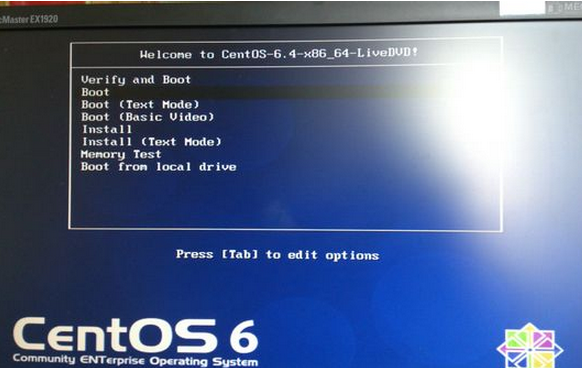
When the system starts up, press the ‘e’ key to enter the GRUB editing interface. Edit the GRUB menu, select the line “kernel /vmlinuz-2.6.23.1-42.fc8 ro root=/dev/vogroup00/logvol00 rhgb quiet”, and press ‘e’ again to edit. Add enforcing=0 at the end, like so:
kernel /vmlinuz-2.6.23.1-42.fc8 ro root=/dev/vogroup00/logvol00 rhgb quiet enforcing=0
Press ‘b’ to continue booting, and the system should proceed without issue.
This error can also be caused by a misconfigured SELinux policy preventing the system from booting. Solution: add selinux=0 to the kernel boot parameters to disable SELinux.