

Running Cron Jobs Every Second in Linux
銆€銆€Often, we need scheduled tasks to execute precisely to the second, but Linux’s minimum scheduling unit is the minute. Many default Linux distributions do not directly support second-level execution. Using sleep makes it easy to run tasks by the second.
1. The sleep format is as follows:
sleep 5;/bin/date // After pausing for 5 seconds, execute the date command, separated by a “;”
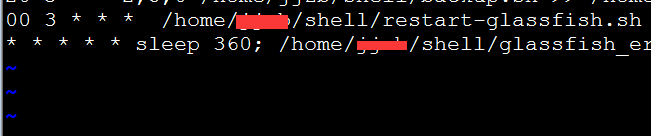
2. Using crontab + sleep to achieve second-level task execution
銆€銆€crontab -e
銆€銆€* * * * * /bin/date >>/tmp/date.txt
銆€銆€* * * * * sleep 10; /bin/date >>/tmp/date.txt // Execute command after a 10-second pause
銆€銆€* * * * * sleep 20; /bin/date >>/tmp/date.txt // Execute command after a 20-second pause