

When you compile and install a package from source on Linux, you usually enter the extracted directory and run “configure”. However, sometimes you may encounter an error like this:
[root@localhost native]# ./configure –with-apr=/usr/bin/apr-1-config-bash: ./configure: Permission denied
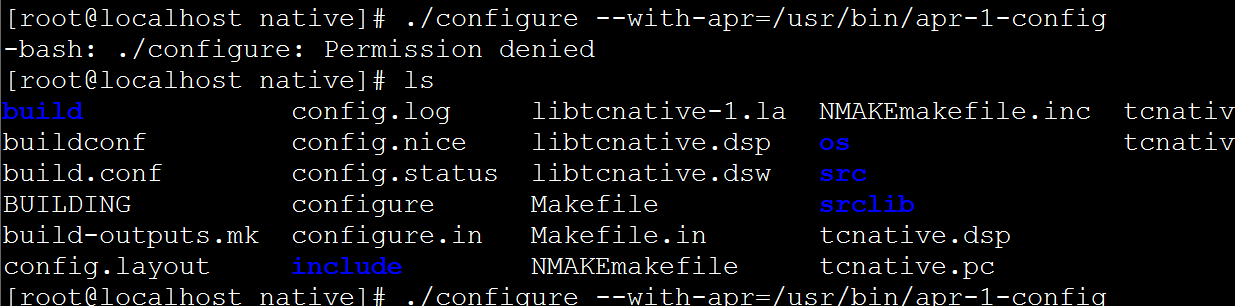
Permission denied — even though you are the root user, you still get this prompt.
If you run
# bash ./configure
instead, the problem disappears. So why does this happen? It is because the configure file is not executable. After you run
# chmod +x ./configure
in the current directory to make the configure file executable, you can then proceed directly with
# ./configure
to install. In other words, the way to fix this error is to first execute
# chmod +x ./configure
or simply add “bash” like this:
#bash ./configure