This command can replace the system’s “rm -rf” when deleting a large number of files and folders becomes unresponsive.
1. First, install rsync (most systems come with it pre-installed; if not, run the following command to install):
yum install rsync
2. Create an empty folder (location is arbitrary):
mkdir /tmp
3. Below we use deleting Tomcat’s work folder as an example, which contains many session-related folders and runtime class files:
time rsync –delete-before -a -H -v –progress –stats /tmp /usr/local/tomcat/work/
or
rsync –delete-before -a -H -v –progress –stats /tmp /usr/local/tomcat/work/
or
rsync –delete-before –progress –stats -d tmp/ /usr/local/tomcat/work/*
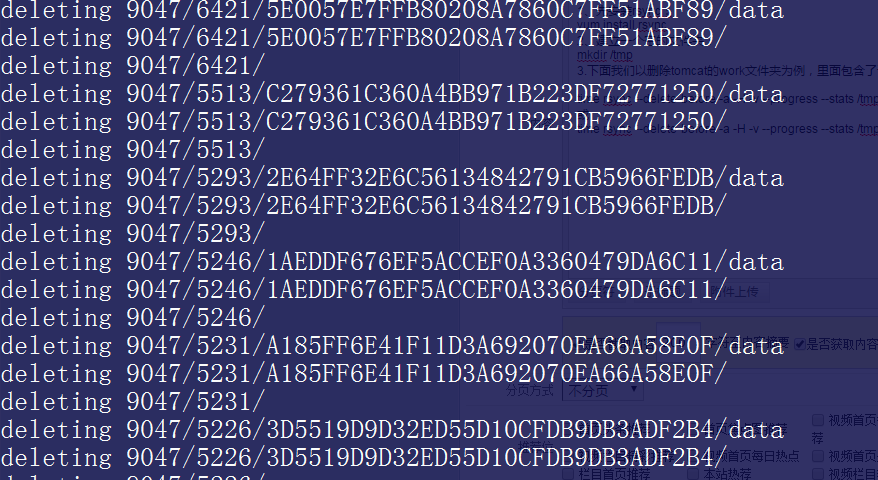
The above command clears all files and folders under the /usr/local/tomcat/work/ path. Below is the result after execution: