

There are many open-source network monitoring tools available for Linux systems. For example, you can use the iftop command to check bandwidth usage, netstat to view interface statistics, and top to monitor currently running processes. But if you’re looking for a tool that can track network bandwidth usage per process in real time, NetHogs is definitely worth a look.
NetHogs is a small “net top” tool. Unlike most tools that group traffic by protocol or subnet, it groups bandwidth by process. NetHogs does not require loading any special kernel modules. If network congestion occurs, you can fire up NetHogs to immediately see which PID is causing the problem. This makes it easy to identify which program has gone rogue and is suddenly hogging your bandwidth.
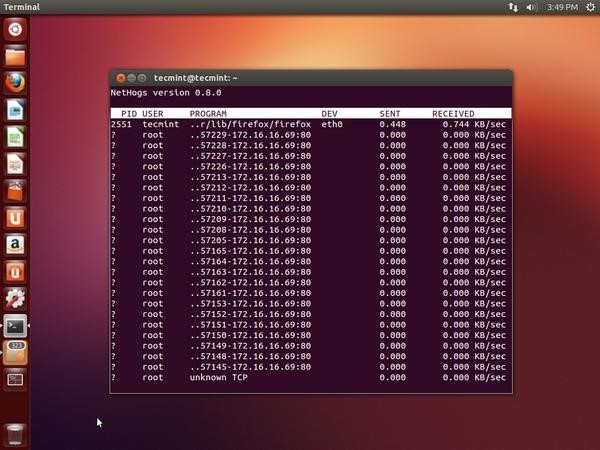
This article introduces how to install and use NetHogs to monitor network bandwidth usage per process on Unix/Linux operating systems.
Installing NetHogs on RHEL, CentOS, and Fedora:
To install NetHogs, you must enable the EPEL repository on your Linux distribution. Then run the following yum command to download and install the NetHogs package.
# yum install nethogs
Installing NetHogs on Ubuntu, Linux Mint, and Debian:
Use the apt-get command to install the NetHogs package.
$ sudo apt-get install nethogs
NetHogs Usage
On Red Hat-based systems, launch the NetHogs tool by typing the following command.
# nethogs
On Debian/Ubuntu/Linux Mint, you must have root privileges to execute NetHogs:
$ sudo nethogs