

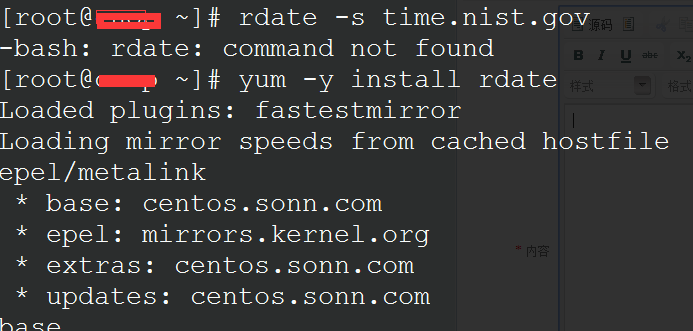
Commands:
#yum -y install rdate # If you encounter the situation shown above, use this command to install the rdate tool
#rdate -s time.nist.gov # Manually sync the time
Set up daily automatic sync:
#crontab -e
30 0 * * * rdate -t 60 -s time.nist.gov;hwclock -w
or
30 0 * * * rdate -s time.nist.gov
The first entry writes the synced system time to the hardware clock.
Common error:
rdate: couldn't connect to host time.nist.gov: Connection refused
This error occurs when the connection to the time server fails. Try switching to an alternative time server. Any of the following that can sync will work:
rdate -s time-b.nist.gov
rdate -s time-a.nist.gov
rdate -s time-b.nist.gov
rdate -s time-nw.nist.gov