

How to Install Chinese Language Pack for Firefox Browser
1. Install Chinese Language Support on System
yum groupinstall chinese-support
If the command is not found, use the following command instead:
yum groupinstall "fonts"
2. Chinese Language Add-on
Click add-ons in the upper-right corner -> Extensions -> search for the following package and install it
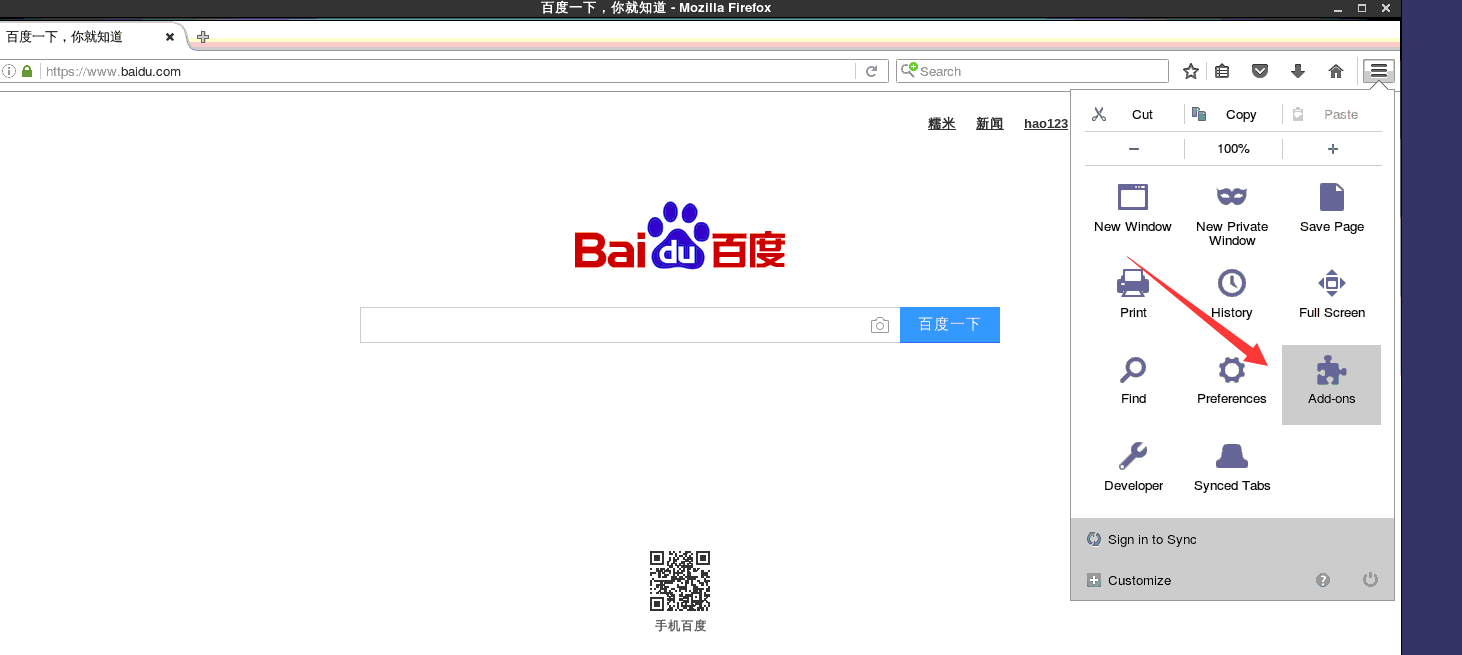
3. Configure Default Language in Firefox
Type "about:config" in the Firefox address bar and press Enter
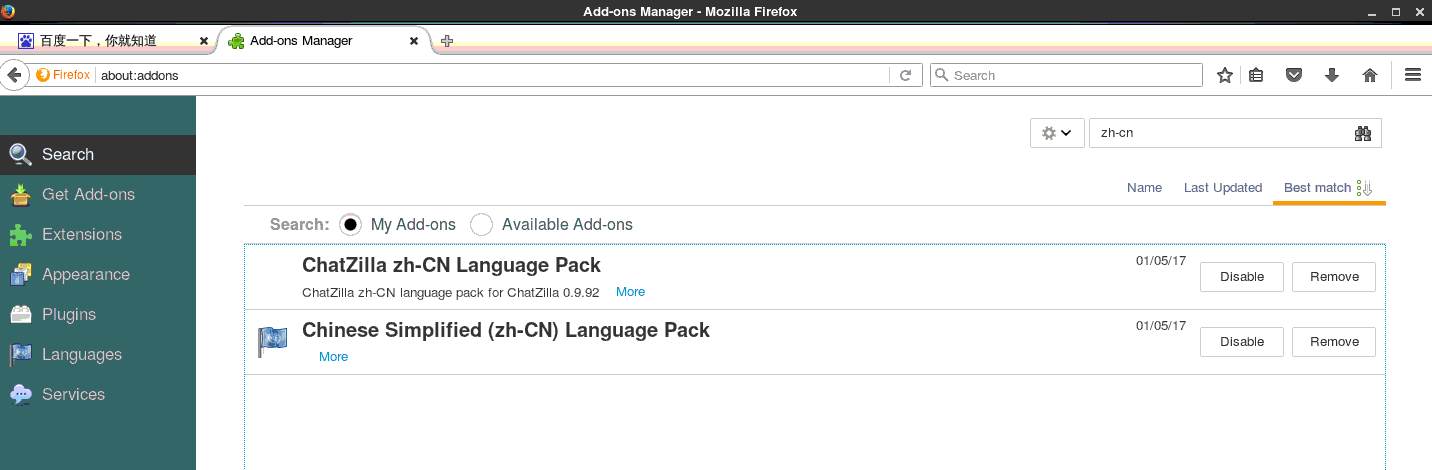
Then type general.useragent.locale in the filter bar, double-click the entry, and enter "zh-CN" in the pop-up dialog box. Click OK.
Restart the browser, and Firefox will switch to the Chinese version.