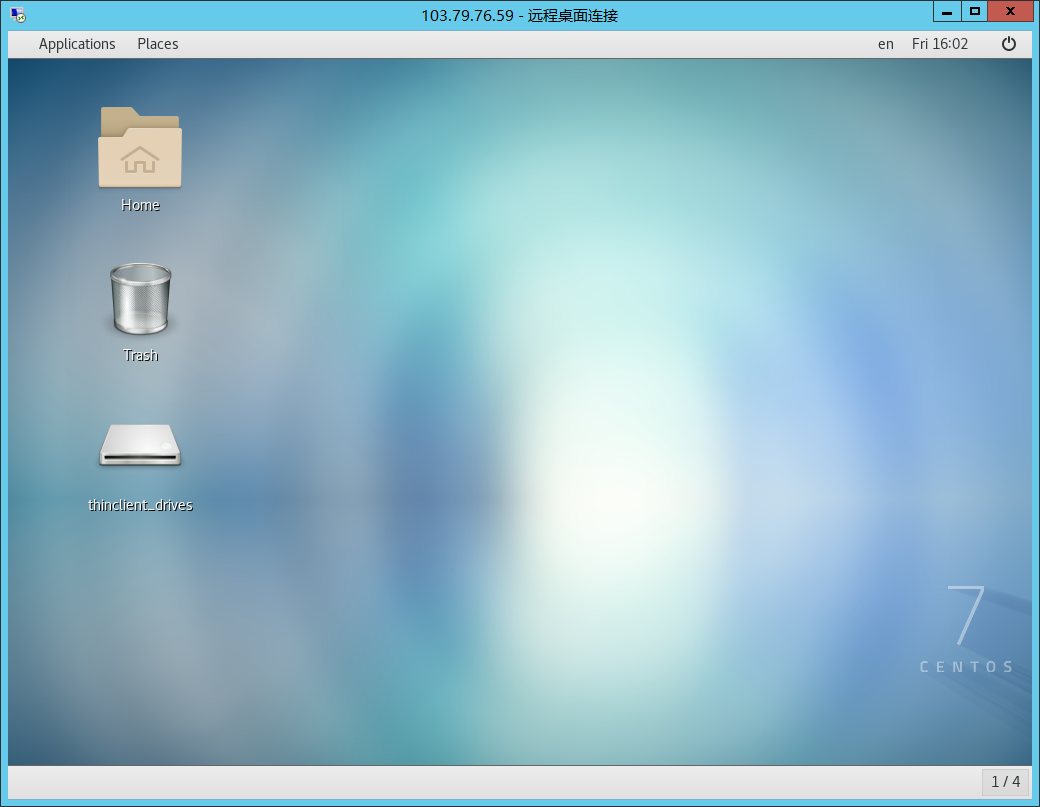
Xrdp is an open-source tool that allows users to access a Linux remote desktop via Windows RDP. In addition to Windows RDP, the xrdp tool also accepts connections from other RDP clients such as FreeRDP, rdesktop, and NeutrinoRDP. Xrdp now supports the TLS security layer.
Installation:
yum -y install epel-release @gnome-desktop xrdp tigervnc-server
systemctl enable gdm.service
vncpasswd root # Enter the password twice
systemctl start xrdp
systemctl enable xrdp
Xrdp uses three ports for its services: 3389, 3350, and 5910.
Open the Run dialog:
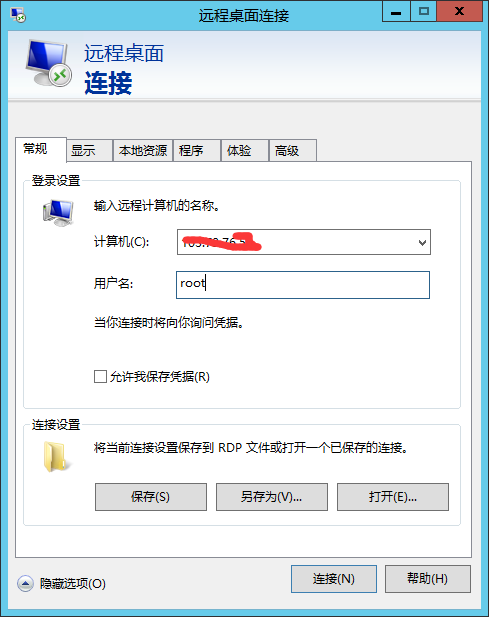
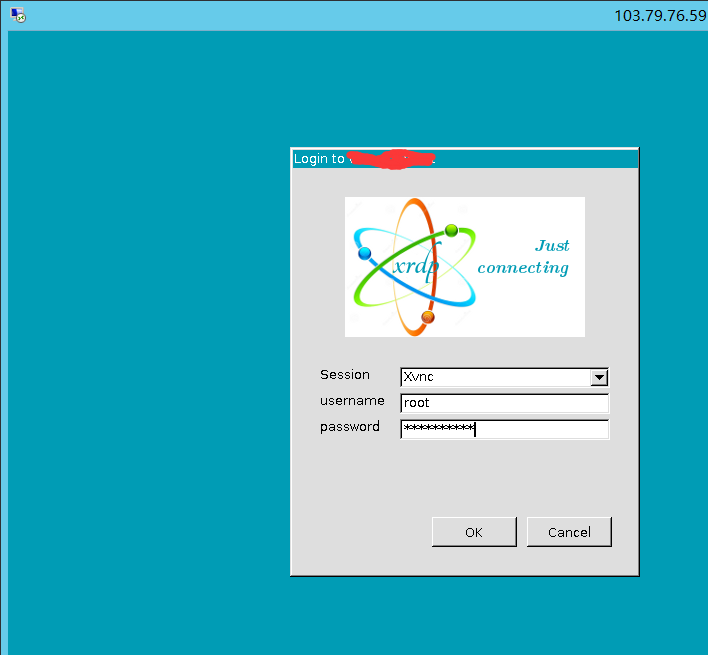
Click Connect:
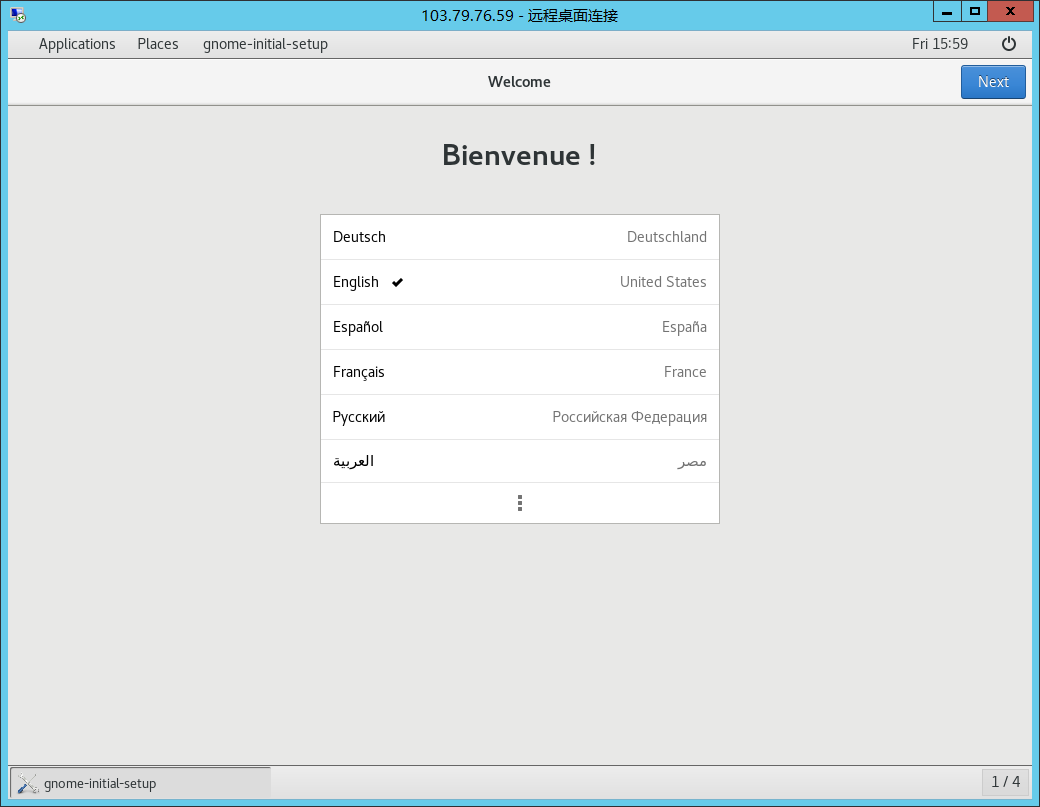
The first time you log in, you need to configure a few settings (just follow the prompts):
Done: