

Create a 2GB file:
mkdir /www/swap
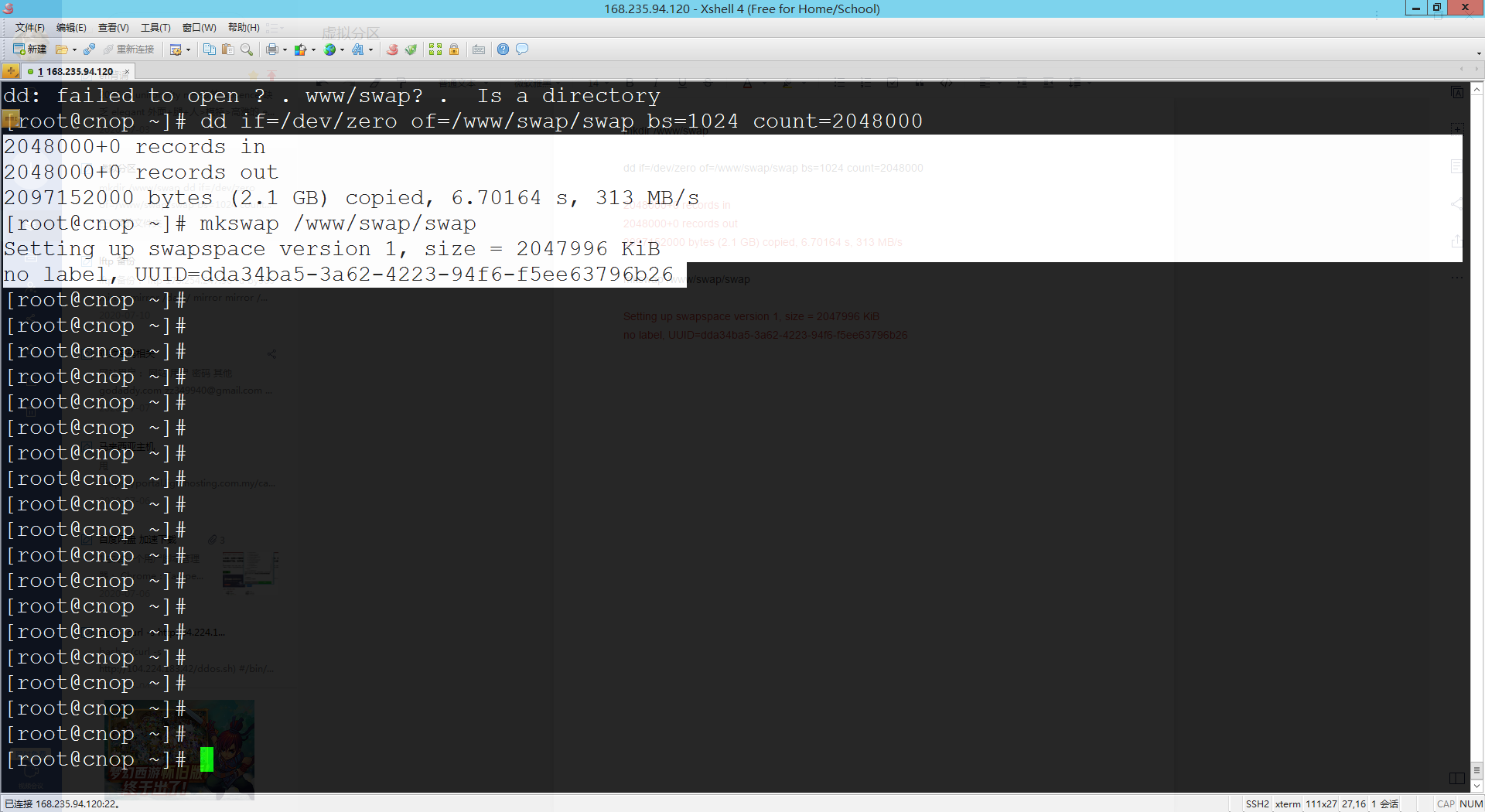
dd if=/dev/zero of=/www/swap/swap bs=1024 count=2048000
2048000+0 records in
2048000+0 records out
2097152000 bytes (2.1 GB) copied, 6.70164 s, 313 MB/s
Turn the created file into a SWAP partition:
mkswap /www/swap/swap
Setting up swapspace version 1, size = 2047996 KiB
no label, UUID=dda34ba5-3a62-4223-94f6-f5ee63796b26
Enable this SWAP file:
swapon /www/swap/swap
swapon: /www/swap/swap: insecure permissions 0644, 0600 suggested.
swapon -s #Check virtual memory info
Filename Type Size Used Priority
/www/swap/swap file 2047996 520 -2
vi /etc/fstab #Add the following content
/www/swap/swap swap swap default 0 0