

UFW is the default firewall on Debian and Ubuntu Linux distributions. Here are some commonly used commands.
ufw enable #Start UFW on boot
ufw allow 22/tcp #Allow all access to port 22
ufw default deny #Default deny all
ufw allow from 10.0.0.163 #Allow a specific IP to access all
ufw allow from 120.26.64.17 to any port 8585 #Allow specific IP 120.26.64.17 to access port 8585
ufw delete allow smtp Delete a specific rule created above
Port range configuration:
ufw allow from 103.214.194.9 to any port 30000:50000 #Allow 103.214.194.9 to access ports 30000-50000
ufw allow from 61.52.131.195 to any port 30000:50000/tcp
#Reload rules
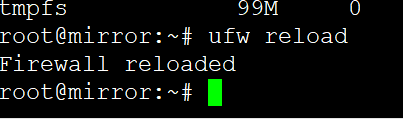
ufw reload