

First, visit the website below to check the version. Generally, newer versions will be available there as well:
https://github.com/nodesource/distributions/tree/master/rpm
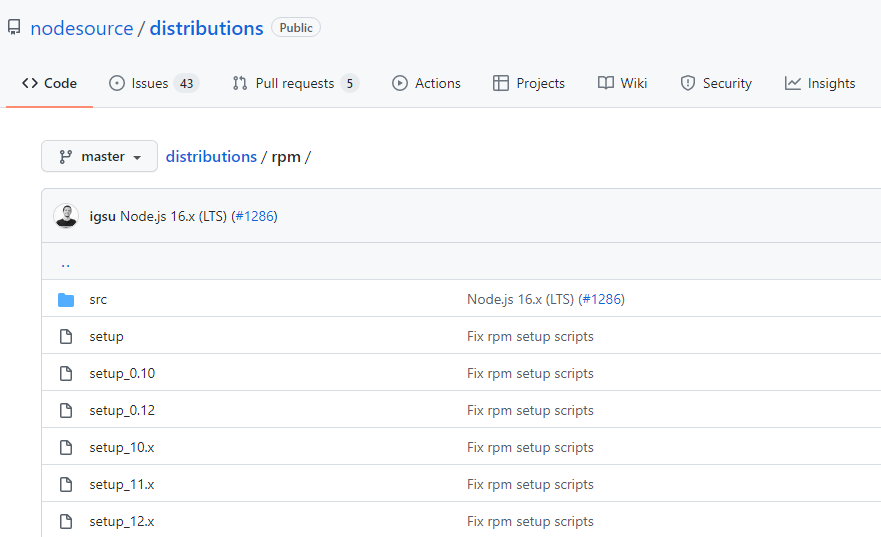
Then, execute the following commands in the terminal (using the installation of Node.js 12 as an example here):
curl –silent –location https://rpm.nodesource.com/setup_12.x | bash –
yum install nodejs
node –version
npm –version