

VLC is a powerful, versatile media player packed with a vast array of features and support for virtually all existing codecs and video formats, giving users an unfettered multimedia experience.
VLC 2.1 “Rincewind” has been released, featuring numerous fixes, optimizations, and enhancements, including:
- Rewritten audio core, improving volume handling
- Overhauled audio modules to fit the new audio core
- 4K video support
- Hardware decoding via VDPAU
- Support for incomplete MP4 files
- Added support for MKV, MJPEG, and AVI streaming
- Enhanced Blu-ray input
- Improved MKV seeking
- Better metadata and subtitle support for MKV files
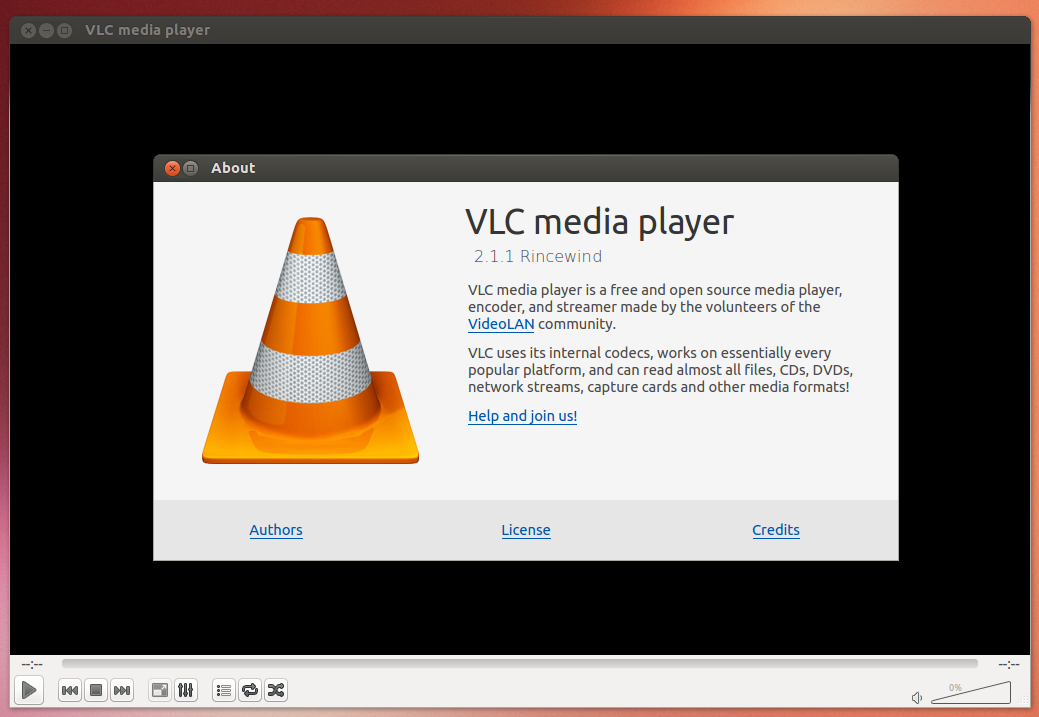
VLC 2.1 fixes around 1,000 bugs, thereby strengthening the media player with improved stability, speed, and reliability over previous versions.
How to Install VLC 2.1?
Add the following official PPA (Ubuntu 13.10), then install:
sudo add-apt-repository ppa:videolan/stable-daily
sudo apt-get update
sudo apt-get install vlc
via: http://iloveubuntu.net/vlc-21-released-new-features-and-1000-bug-fixes
This article is translated by LCTT and proudly presented by Linux China