

Mailgun is an email service that lets you send emails using your own domain name. The free plan includes 10,000 emails per month.
Sign up for a Mailgun account and choose the free plan (credit card verification required), then go to your dashboard:
Add a domain:
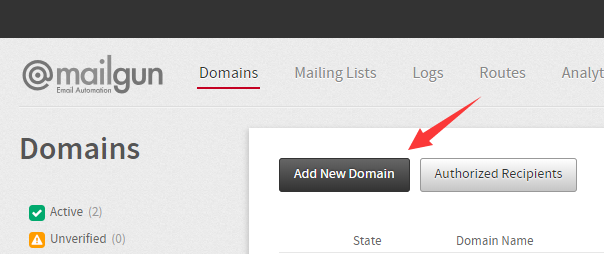
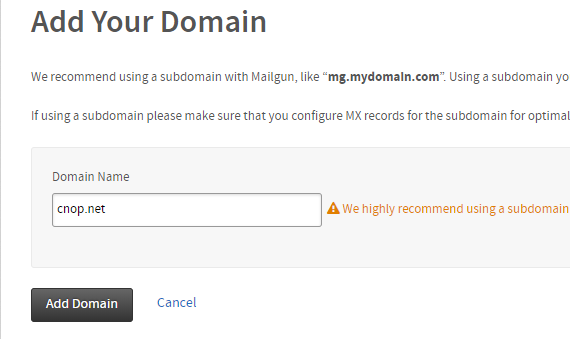
Once done, follow the instructions to configure your DNS records: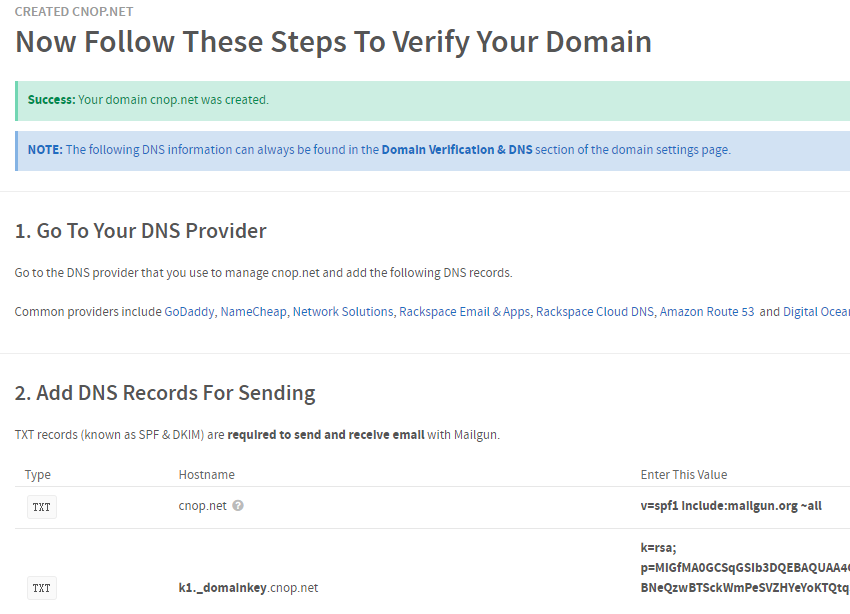
The DNS records will look roughly like this:
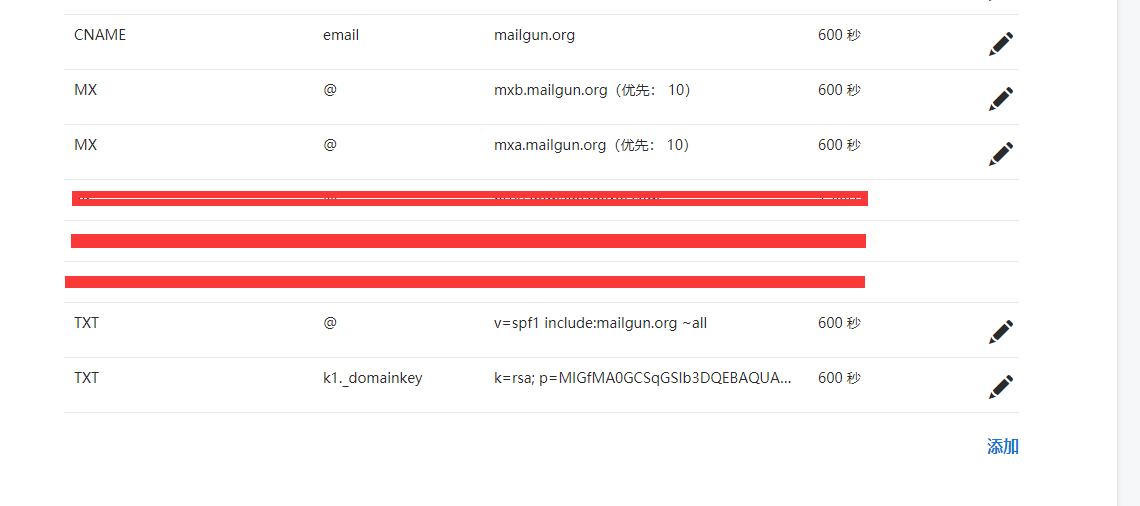
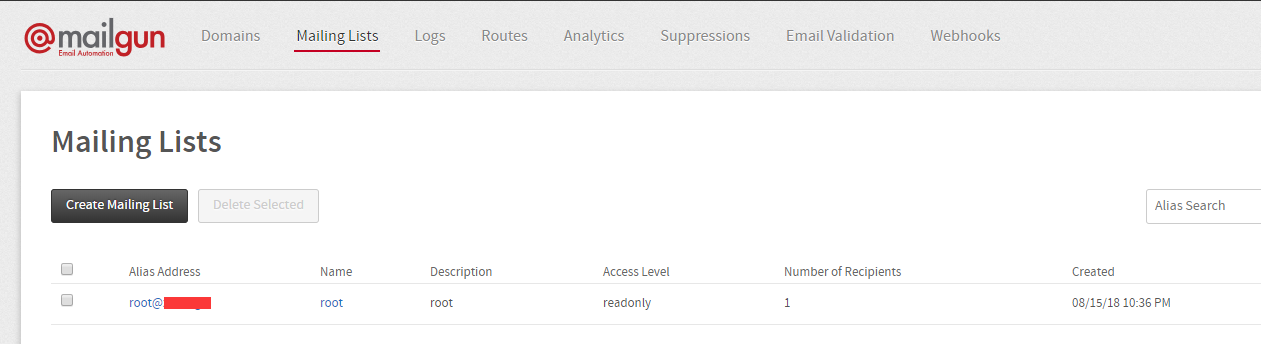
After the records take effect, click “Mailing Lists” and create an account:
Go back to the main dashboard to see your API endpoint: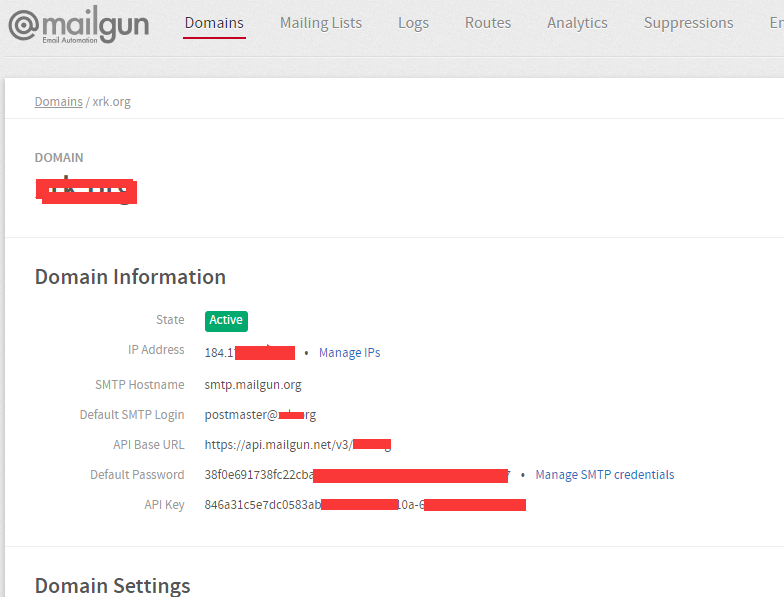
Test sending (using a Linux curl command as an example):
curl -s –user 'api:you api' /https://api.mailgun.net/v3/yourdomain.net/messages /-F from='[email protected]' /-F to='[email protected]' /-F subject='Hello' /-F text='Testing some Mailgun awesomeness!'