

Kiftd is a free and open-source cloud drive that provides a comprehensive file transfer system for individuals, teams, and small organizations. It offers no upload limits, online video and music playback, image browsing, and many other powerful features.
1. Install JDK (using CentOS as an example)
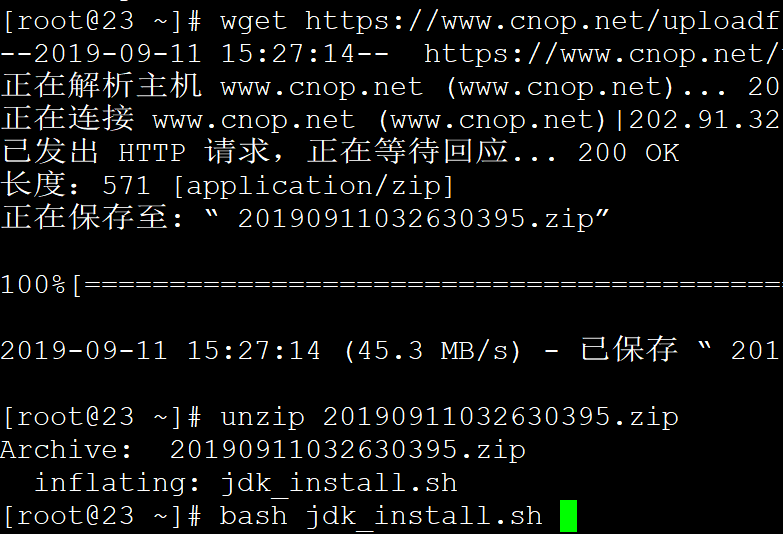
You can download and use the following one-click install script
wget https://www.cnop.net/uploadfile/2019/0911/20190911032630395.zip
unzip 20190911032630395.zip
bash jdk_install.sh
2. Download and Run the Application
wget http://mirror.cnop.net/kiftd/kiftd-1.0.22-release.zip
unzip kiftd-1.0.22-release.zip
cd kiftd-1.0.22-release
java -jar kiftd-1.0.22-RELEASE.jar -start
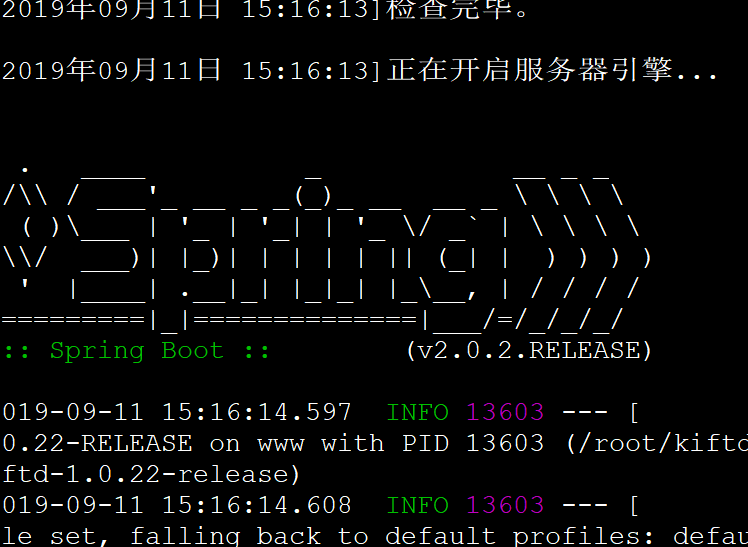
The above output indicates a successful startup.
Enter ip:8080 in your browser to test access:
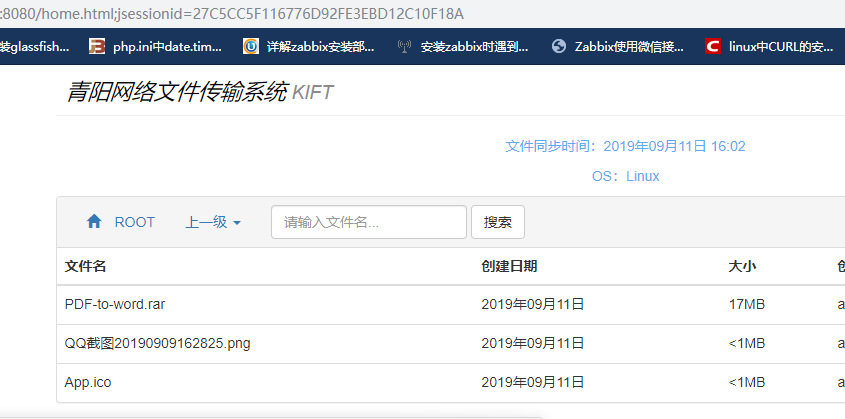
Click “Login” in the upper right corner, and use the username admin and password 000000