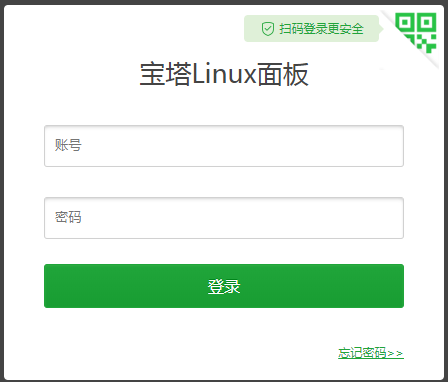
Home › Articles › Open Source › How to Fix Cannot Login After Changing Baota Panel Port How to Fix Cannot Login After Changing Baota Panel Port Categories: Open Source 2020-04-17 root Comments (0) BT Panel Default Port: 8888 Check the current port: cat /www/server/panel/data/port.pl Reset to the default port: echo '8888' > /www/server/panel/data/port.pl Restart: /etc/init.d/bt restart Access again: « Previous Forgot BT Panel Login URL, Port, or Password? Here Is the Fix Next »How to Install BT Panel in a Custom Directory Related Posts How to Access a Foreign API Blocked in China 2025-07-28 What Are the Key Differences Between DeepSeek Model Versions (1.5B, 7B, 8B, 14B, 32B, 70B, 671B)? 2025-02-07 What Configuration Is Required to Deploy DeepSeek-R Locally? 2025-02-07 Baota Panel: No Purchase Info Detected for This Account 鈥?Fix Steps 2024-04-22 How to Transfer a NameSilo Domain to Another Registrar 2023-02-21 ChatGPT AI Chatbot Is Insanely Popular!! 2023-02-08 Leave a Comment Cancel replyYour email address will not be published.Comment * Name * Email * Website Save my name, email, and website in this browser for the next time I comment. Δ