

If you hear a 13-year-old hacker bragging about how awesome he is, it’s possible — thanks to Kali Linux. Though they may be called “script kiddies,” the fact is that Kali remains an important tool (or toolset) in the hands of security experts.
Kali is a Linux distribution based on Debian. Its goal is simplicity: to include as many penetration and auditing tools as possible in a practical toolkit. Kali achieves this goal. Most open-source tools for security testing are included.
Related: 4 Excellent Linux Distributions Designed for Privacy and Security
Why Kali?
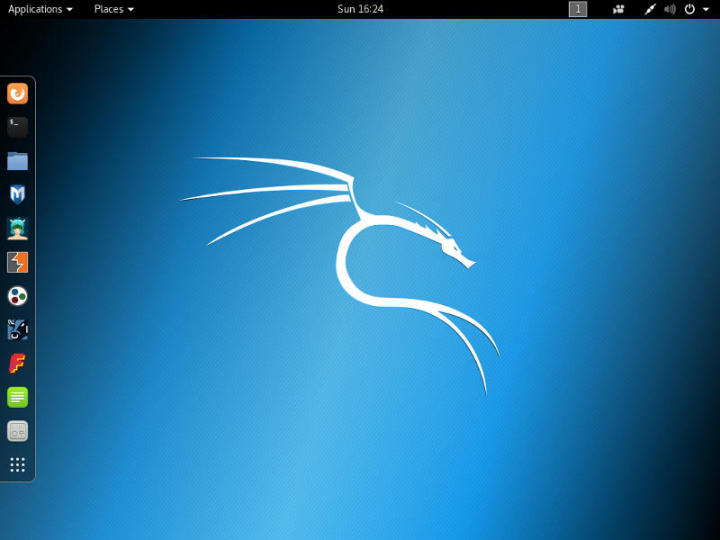
Kali Linux Desktop
Kali is developed and maintained by Offensive Security. It is a well-known and trusted company in the security field, even offering respected certifications to qualify security practitioners.
Kali is also a turnkey security solution. Kali doesn’t require you to maintain a Linux system yourself or collect software and dependencies. It’s a “turnkey tool.” All the tedious work is handled for you, so you only need to focus on the actual audit work without worrying about preparing the test system.
How to Use It?
Kali is a Linux distribution. Like any other Linux distribution, you can permanently install it on a hard drive. It works better that way, but you shouldn’t use it as a daily operating system because it’s built for penetration testing — that’s its sole purpose.
It’s best to use Kali as a live distribution. You can burn Kali to a DVD or create a bootable USB drive to run it. You don’t need to install any software or save any files on Kali. Just boot it whenever you need to test a system. It also has excellent flexibility, allowing the machine running Kali to operate on whatever network you want to test.
What Can Kali Do?
Kali contains many security tools — that’s what it does. Regardless, Kali is a security toolkit.
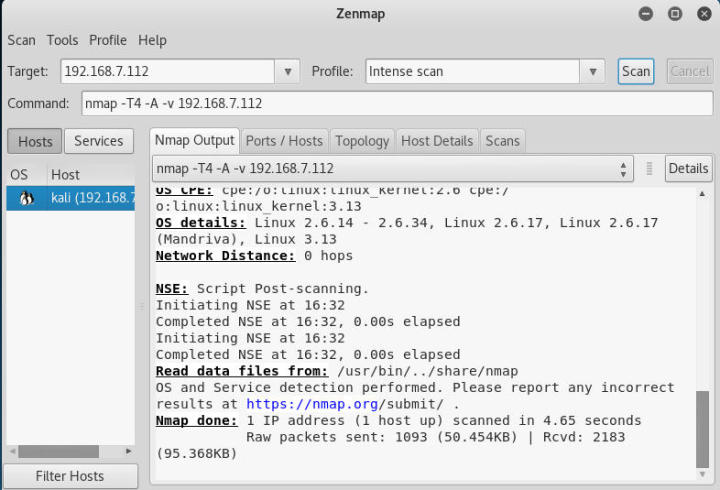
Kali Zenmap
It includes classic information gathering tools like NMap and Wireshark.
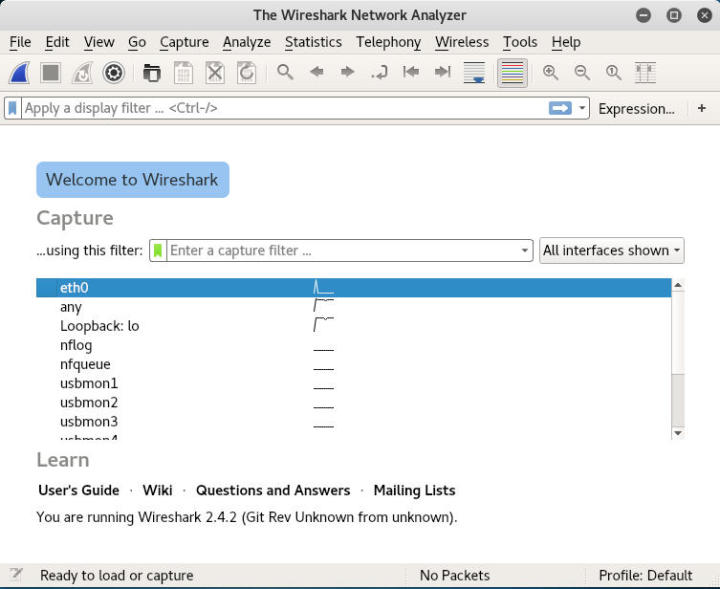
Kali Linux Wireshark
Kali also has WiFi tools like Aircrack-ng, Kismet, and Pixie.
For password cracking, it includes tools like Hydra, Crunch, Hashcat, and John the Ripper.
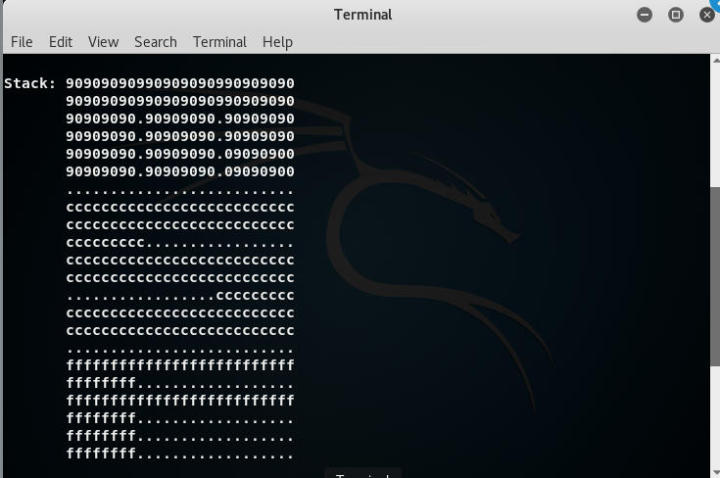
Kali Metasploit
There are also more comprehensive tools, including Metasploit and Burp Suite.
These are just a small sampling of the security tools built into Kali by default. Fully understanding all these tools takes time, but you can clearly see that many very popular tools are included.
Is Kali for You?
Kali is not for regular users. It’s not a general-purpose Linux distribution for your laptop — it’s a cool “hacking operating system.” If you use this OS, you’ll be running a system with reduced security because Kali is designed to run as root. It’s not secure itself, and its configuration differs from regular Linux distributions. It’s an offensive tool, not a defensive one.
Kali is not a toy. You can use its built-in tools to do dangerous things that cause real harm, leading to serious trouble. For an untrained user, it’s easy to do something seriously illegal and find yourself in a helpless situation.
That said, Kali is an excellent tool for professional users. If you’re a network administrator wanting to do a real test of your network, Kali can do everything you need. Kali also has some excellent development tools for auditing applications in real time.
Of course, if you’re interested in learning about security, you can use Kali in controlled environments, and it can teach you a lot of excellent knowledge.
Kali Linux is a collection of many excellent security tools. It’s incredibly beneficial for professional users but can also cause a lot of trouble for malicious individuals. Use Kali carefully and make the most of its advantages. If you don’t, you might spend the rest of your life somewhere (you know where).
Download URLs:
https://mirrors.aliyun.com/kali-images/
https://www.kali.org/downloads/
http://mirror.cnop.net/linux/kali/
via: https://www.maketecheasier.com/what-is-kali-linux-and-do-you-need-it/
Author: Nick Congleton Translator: qhwdw Proofreader: wxy
This article is LCTT original translation, proudly presented by Linux China