

如更改centos系统默认端口为8223:
vi /etc/ssh/sshd_config
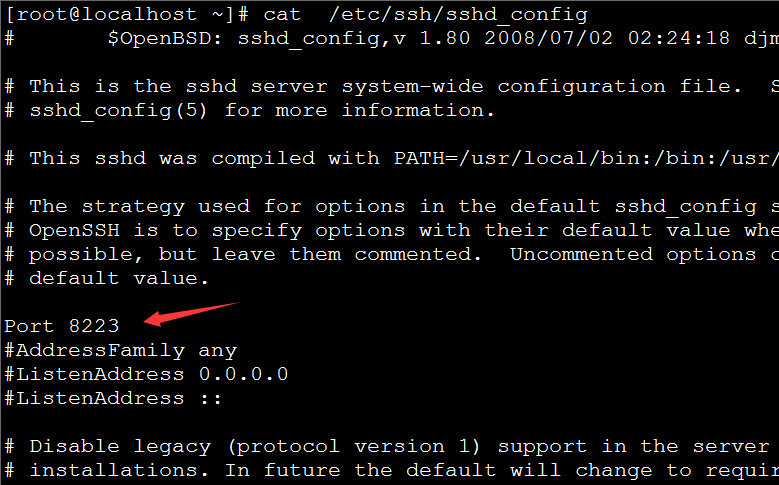
更改:
#Port 22
为
Port 8223
重启ssh:
service sshd restart
防火墙添加例外:
#/sbin/iptables -I INPUT -p tcp –dport 8223 -j ACCEPT
#/etc/rc.d/init.d/iptables save
#service iptables restart
如更改centos系统默认端口为8223:
vi /etc/ssh/sshd_config
更改:
#Port 22
为
Port 8223
重启ssh:
service sshd restart
防火墙添加例外:
#/sbin/iptables -I INPUT -p tcp –dport 8223 -j ACCEPT
#/etc/rc.d/init.d/iptables save
#service iptables restart