

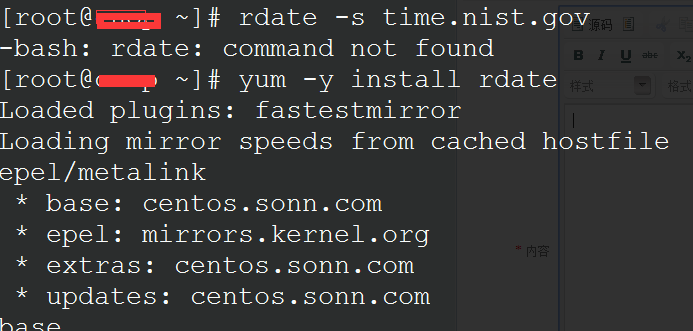
命令:
#yum -y install rdate #如果出现上图情况,我们可以使用命令安装rdate工具
#rdate -s time.nist.gov #手动同步下时间
加入每天自动同步:
#crontab -e
30 0 * * * rdate -t 60 -s time.nist.gov;hwclock -w
或
30 0 * * * rdate -s time.nist.gov
前面那句可以将同步到的系统时间设置到硬件中去。
常见错误:
rdate: couldn't connect to host time.nist.gov: Connection refused
原因为无法和时间服务器同步,可尝试更换其他时间服务器,以下任意一个可以同步的都可:
rdate -s time-b.nist.gov
rdate -s time-a.nist.gov
rdate -s time-b.nist.gov
rdate -s time-nw.nist.gov