

Once upon a time, applying Linux to office work was indeed a challenge. Most companies relied on specialized software, and that software almost exclusively ran on Windows. But times are changing. Now, much of business is conducted through a web browser. Moreover, the Linux platform has matured. If you can leverage an open-source environment for work, you stand to gain numerous benefits.

If you also think it is impossible to use Linux for office work, I can tell you that things are different now. With the following five applications, you can enjoy all the advantages of Linux: energy efficiency, stability, reliability, flexibility, and security. You will see these common tools in a whole new light.
1. Chrome
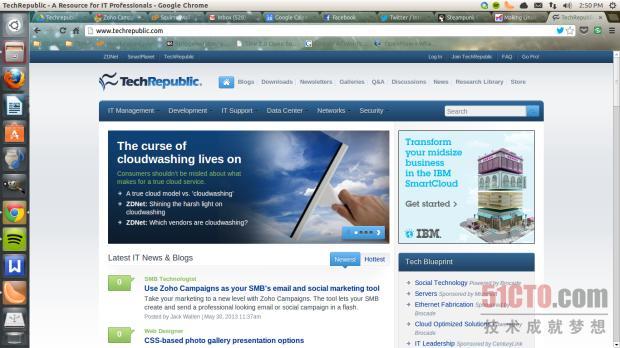
Many business tasks are now handled through a web browser. Why not use one of the fastest browsers on the market? Chrome is not only fast, but it also offers a vast library of extensions to expand its capabilities. The only drawback is the lack of ActiveX for Linux. You can’t blame Chrome for the missing ActiveX. However, this can be solved with IEs4Linux. Using Wine, you can run IEs4Linux, and with a little tinkering, it can serve as your ActiveX substitute. Apart from the ActiveX issue, Chrome is truly a browser that can help make Linux a great work companion.
2. Thunderbird
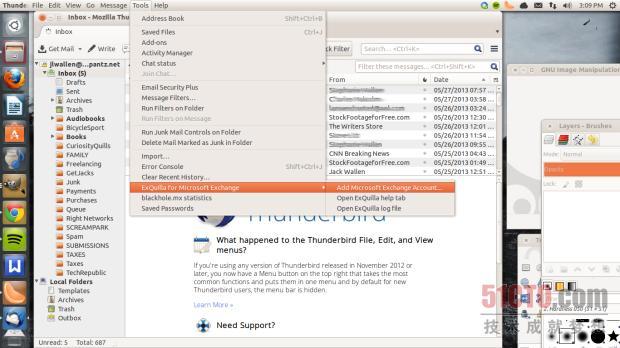
Many people will say nothing can replace Outlook. Before discovering Exquilla and the Lightning Exchange Provider, I would have agreed with that sentiment. By adding these two add-ons, you can connect to an Exchange server. Once the extensions are installed, you can ditch Outlook.
3. Scribus
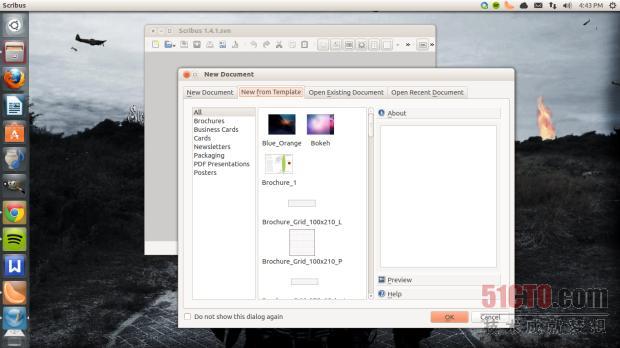
If you need to create professional PDF documents, Scribus is the tool for the job. Sure, you can first create a document using LibreOffice and then export it to PDF. But with Scribus, you are working with a professional-grade layout tool. It features layers, transparency, frames, CMYK support, ICC profile support, PDF, EPS, SVG import, and many more capabilities to help you create professional brochures, interactive PDFs, training manuals, and even books.
4. LibreOffice
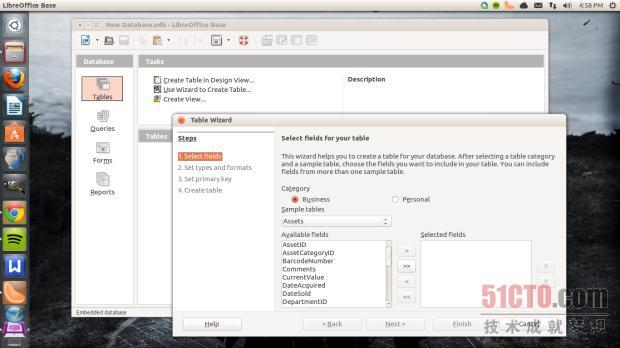
An office desktop is incomplete without an Office suite. Considering we are using Linux, there are two main choices: LibreOffice and Kingsoft Office. Although I personally prefer Kingsoft Office’s word processor, it lacks one essential business tool—a database. LibreOffice has everything you need: a word processor, spreadsheet, presentation, drawing, formula editor, and database. And with LibreOffice’s plugin system, you can extend the default functionality of the office suite.
5. VirtualBox
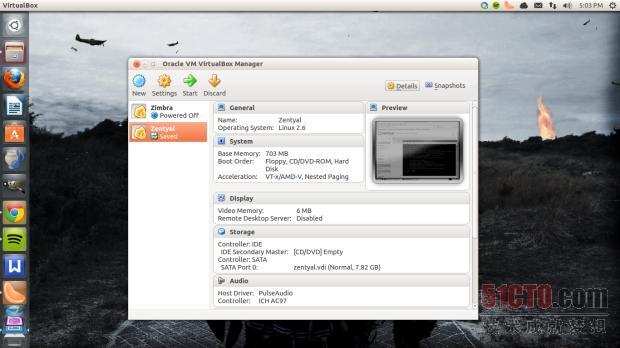
You are bound to encounter some proprietary software that only runs in a Windows environment. When that happens, you can load a virtual machine in VirtualBox and run the software in any OS of your choice. Mac users have been doing this with Parallels for ages, so what’s stopping Linux users from enjoying a multi-platform environment? With VirtualBox, you no longer have to worry about not being able to use the software you need freely. There is a downside, though: you must have sufficient resources (especially RAM) and a valid license for the Microsoft OS.
Conclusion
The way we work has changed. Today’s desktop is no longer limited by the platform; it is all about connectivity. With a browser and some handy tools, you can run Linux on your office computer. Of course, not every business need is met equally. Some requirements simply cannot be fulfilled on specific platforms. That is where a tool like VirtualBox comes into play.
Original link: http://www.techrepublic.com/blog/five-apps/five-apps-to-make-the-linux-desktop-business-ready/1896