

This article explains the usage of the du command parameters in Linux, with examples to further illustrate their use.
The du command is used to estimate the disk space used by directories (or files).
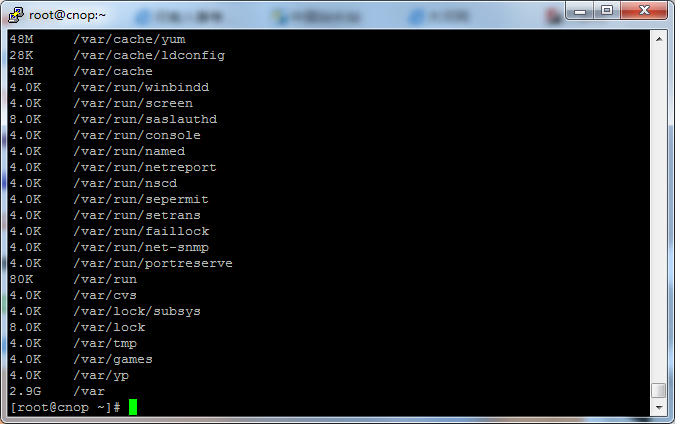
Syntax: du [-abcDhHklmsSx] [-L ][-X ][–block-size][–exclude=] [–max-depth=][–help][–version][directory or file]
Common parameters:
-a or –all Display disk usage for each specified file, or for each file within a directory.
-b or –bytes Display directory or file sizes in bytes.
-c or –total In addition to displaying the size of directories or files, also display the grand total.
-D or –dereference-args Display the size of the source file for specified symbolic links.
-h or –human-readable Print sizes in human readable format (e.g., K, M, G).
-H or –si Same as -h, but use powers of 1000 instead of 1024.
-k or –kilobytes Use 1024-byte blocks as the unit.
-l or –count-links Count sizes many times if hard linked.
-L or –dereference Display the size of the source file for the specified symbolic link.
-m or –megabytes Use 1MB blocks as the unit.
-s or –summarize Display only a total for each argument, i.e., the size of the current directory.
-S or –separate-dirs For directories, do not include the size of subdirectories.
-x or –one-file-system Skip directories on different file systems.
-X or –exclude-from= Exclude directories or files that match any pattern in .
–exclude= Exclude the specified directory or file.
–max-depth= Limit recursion to the specified directory depth.
–help Display help information.
–version Display version information.
Linux du command usage examples:
1> To display the disk usage of a directory tree and each of its subtrees
du /home/linux
This shows the number of disk blocks used in the /home/linux directory and each of its subdirectories.
2> To display the disk usage of a directory tree and each subtree in 1024-byte units
du -k /home/linux
This shows the number of 1024-byte disk blocks used in the /home/linux directory and each of its subdirectories.
3> To display the disk usage of a directory tree and each subtree in MB
du -m /home/linux
This shows the number of MB disk blocks used in the /home/linux directory and each of its subdirectories.
4> To display the disk usage of a directory tree and each subtree in GB
du -g /home/linux
This shows the number of GB disk blocks used in the /home/linux directory and each of its subdirectories.
5> To view the size of all directories and subdirectories under the current directory:
du -h .
“.” represents the current directory. You can also replace it with an explicit path.
-h means displaying sizes in a human-readable format using K, M, G.