

Many people feel confused when installing the system, unsure which version they actually need.
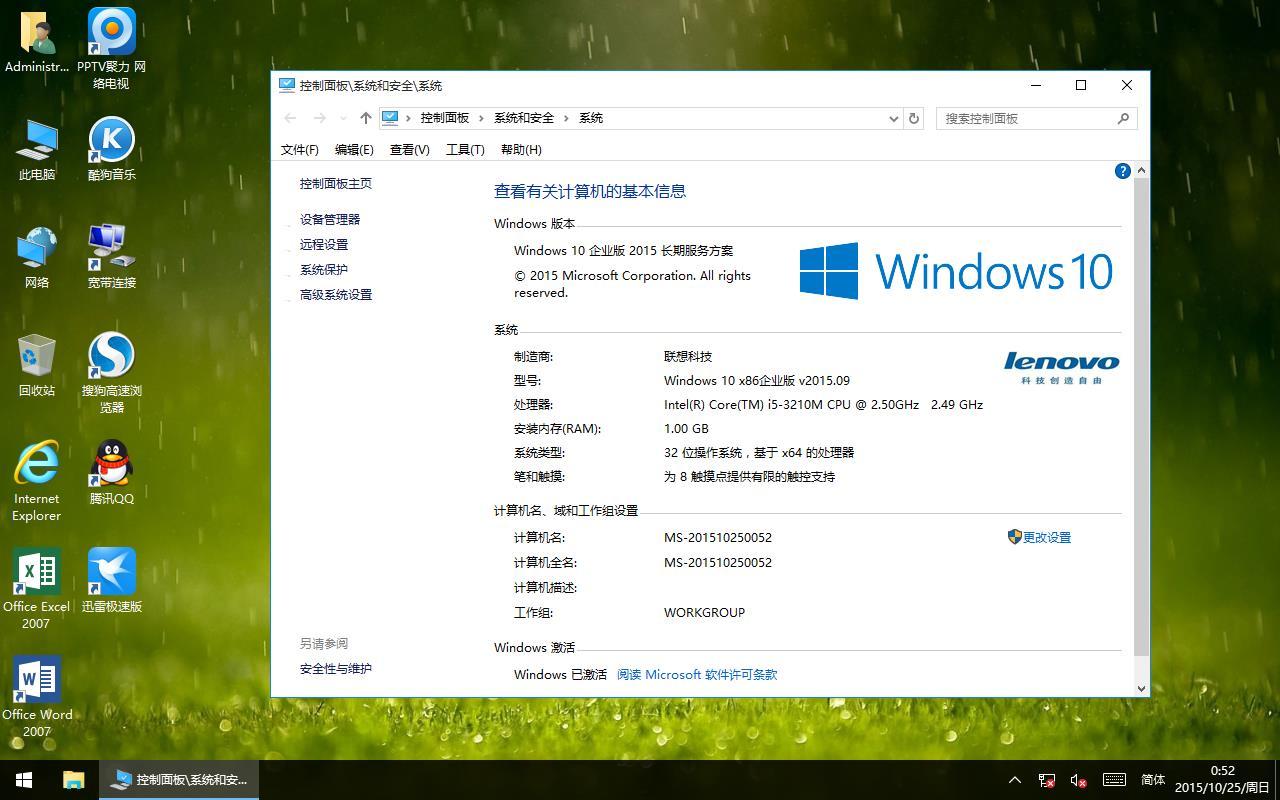
More users tend to struggle with the choice between the Home and Pro editions, unclear about the specific differences between these two versions. After all, judging purely by name, most users wouldn’t actively choose the Education or Enterprise editions, and Windows 10 doesn’t have an Ultimate edition like Windows 7 did, which made the choice easier for most users.
So what are the differences between all these versions?
Different versions come with different features. Next, let’s compare the differences between the Home and Pro editions, which are the most widely used by consumers.
First, the positioning of these two editions differs:
The Home edition is commonly pre-installed on brand-name machines. For example, the new laptop you just bought often comes with this version installed by default by many manufacturers. Besides the OS, some manufacturers also pre-install and customize their own management software and security tools鈥攕imilar to how a new Android phone comes with some default apps pre-installed. The difference here is that these management tools can be deleted. Windows 10 Home is aimed at all ordinary home users and people who don’t have high demands for computer technology. It provides all the basic features of Windows 10 for devices like laptops and desktops, meeting the needs of individual home users.
Windows 10 Pro, on the other hand, is mainly aimed at tech enthusiasts and IT professionals. This version includes all the features of the Home edition and can be seen as an enhanced version of Home.
The second difference is pricing:
The Home edition is cheaper, especially for enterprise bulk purchases. The Pro edition is more expensive compared to Home, while including all of its features.
Third, the features are different.鈻?br />Windows 10 Pro is said to support up to 2TB of RAM, while the Home edition only supports 128GB of memory. Of course, in real life, you’ll never actually need that much memory. For typical home computers today, smaller setups have 4GB or 8GB of RAM, and larger ones have around 16GB or 32GB.
The Home edition is the version many computers come pre-installed with; it has fewer features than the Pro edition. For example, by default, the Home edition lacks Group Policy, Remote Desktop, BitLocker drive encryption, the Enterprise Store, Enterprise Data Protection, domain join capabilities, and Hyper-V virtualization similar to VM.
The Pro edition system is indeed more powerful. It’s also the version we usually install as the operating system, and resources for it are easier to obtain. For instance, those Ghost version systems you download online are basically all Pro editions. Similarly, if you go to a computer shop and ask someone to install Windows 10 for you, they will default to installing this version.
Of course, if it’s a genuine Windows 10 system, the Home edition is sufficient for ordinary users鈥攁fter all, it’s cheaper, and the genuine system that comes with the manufacturer is relatively more stable. It also includes the brand-new Windows Store, the new Microsoft Edge web browser, personal assistant Cortana, tablet mode, and so on.
Windows 10 Pro, also known as Win10 Pro, is aimed at technical personnel. Only some programmers and engineers will use advanced features like Remote Desktop management (mstsc), Group Policy, virtual machines, and domain management. Through these features, technicians can operate remote servers, local virtual machine systems, and manage network domains.
According to Microsoft’s new policy, users who installed pirated Windows 7 and Windows 8 can also upgrade to Windows 10 for free.
In addition, Windows 10 Pro features a more powerful upgrade capability (Windows Update for Business) that allows for more efficient management of software updates, and it provides more application and device management features.
Windows 10 Enterprise, also known as Win10 Enterprise: It includes all the features of Windows 10 Pro. Additionally, to meet enterprise demands, the Enterprise edition adds enhanced PC management and deployment, security, and more advanced virtualization features.
These advanced features meet the needs of large enterprises. The Enterprise edition also has the (Windows Update for Business) upgrade feature from the Pro edition, while also introducing a more advanced system update method (the Long Term Servicing Branch service), which allows enterprises to reject feature updates and only upgrade the more critical security modules.
Windows 10 Education:
Before Windows 10, Microsoft had never released an Education edition. This version is designed specifically for large academic institutions and includes the security and management features found in the Enterprise edition.
It’s aimed at school staff, administrators, teachers, and students. We rarely encounter this version.
The Education edition adds sensitive enterprise information protection for large and medium-sized organizations. Aside from differences in update options, Windows 10 Education and Windows 10 Enterprise have no significant feature differences.
The upgrade methods for Education and Pro editions also differ. Windows 10 Education offers the Long Term Servicing Branch upgrade method mentioned earlier, which is exclusive to the Enterprise version, and it can also only upgrade certain security modules.
Windows 10 Education is likewise only released through VOL channels, with no direct purchase channels for ordinary consumers. Schools and students can upgrade from Home and Pro editions through specific prescribed steps.
Windows 10 Pro can be upgraded for free from Windows 7 or Windows 8.1 Pro systems, and Windows 10 Home can also be upgraded to the Pro edition by changing the product key.
It is primarily activated through bulk purchasing by enterprises or schools. This version is a further expansion based on Windows 10 Pro.
It allows the system to only update security patches without updating feature patches鈥攁 service exclusive to the Education and Enterprise editions, making updates more flexible.br