

During website operation, servers are frequently scanned, and cloud host panels or system login logs often report anomalies. You can adopt the following methods to mitigate this.
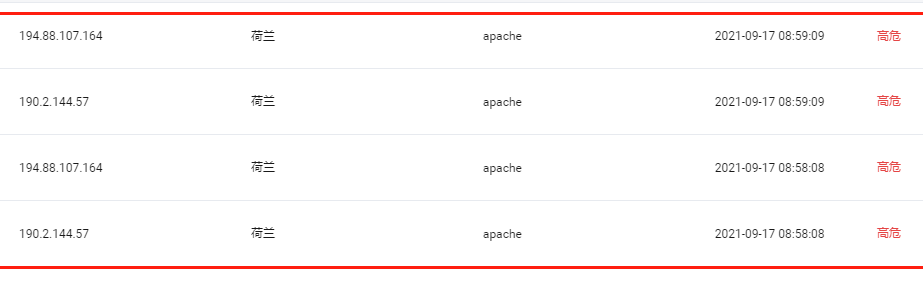
Alibaba Cloud alerts about brute-force attacks and unauthorized login attempts by illegitimate users, as shown below:
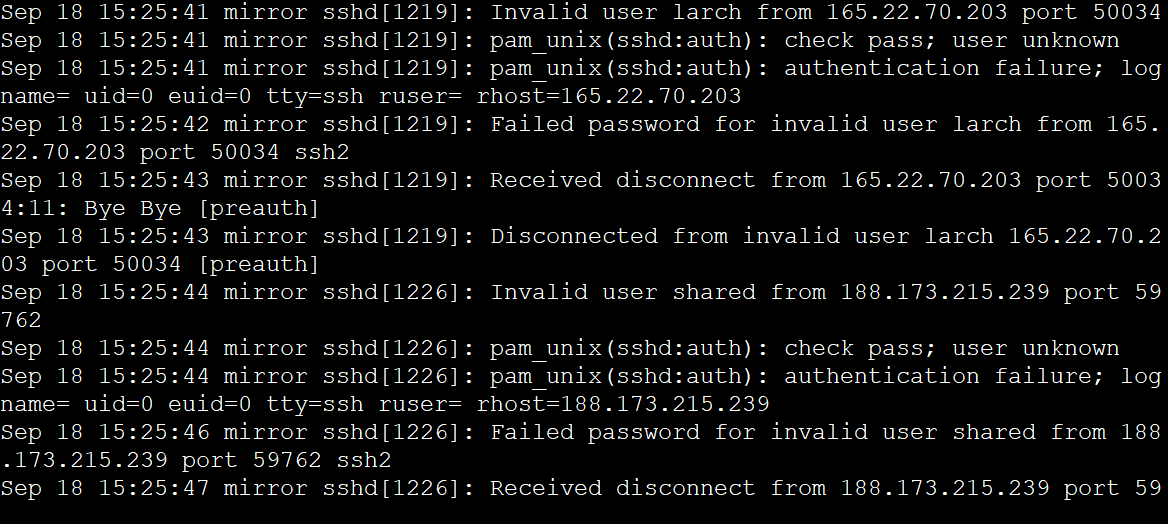
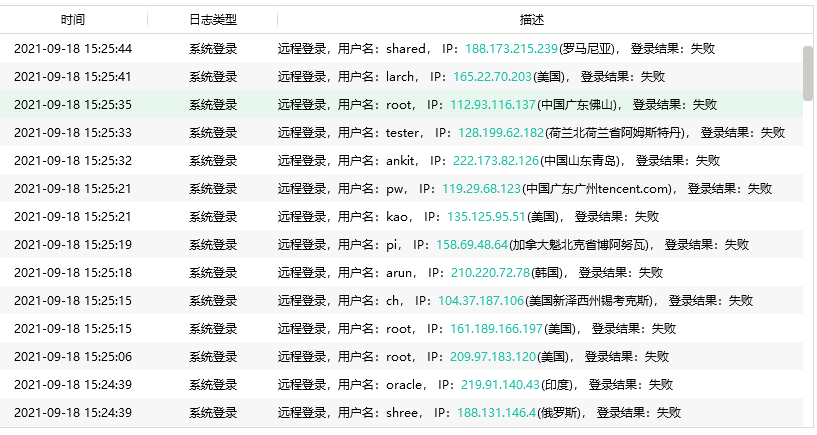
The system log characteristics are as follows (using Linux as an example here), with a large number of failed login users and IPs, and the log files tend to be quite large:
View logs:
tail -f /var/log/auth.log # Debian system
last -f /var/log/btmp # CentOS system
Search logs for a specific day:
tail |grep "Sep 17" /var/log/auth.log # Debian system
last -f /var/log/btmp |grep "Sep 17" # CentOS system
Solutions
1. Block Ping
Servers are often scanned because malicious actors blindly or specifically scan using tools like Nmap. Disabling ping can reduce the frequency at which your server is discovered by scanners.
You can refer to this article on our site: Methods to Enable and Disable Ping
2. Change the Default Server Login Port
Taking CentOS Linux as an example, you can use the following method to change the default port or any discovered port:
Changing the Default System Port on CentOS
After the change, you can prevent most illegitimate IPs from logging into the server via that port.
3. Close Unnecessary Ports on the Server
Many open system ports are often discovered by scanning and then exploited for illegal injection. You can reduce risk by closing service ports. Of course, specifics should be set based on your actual situation.
Note: This step is optional, primarily to prevent ports of other services from being illegally injected, thus impacting system security.